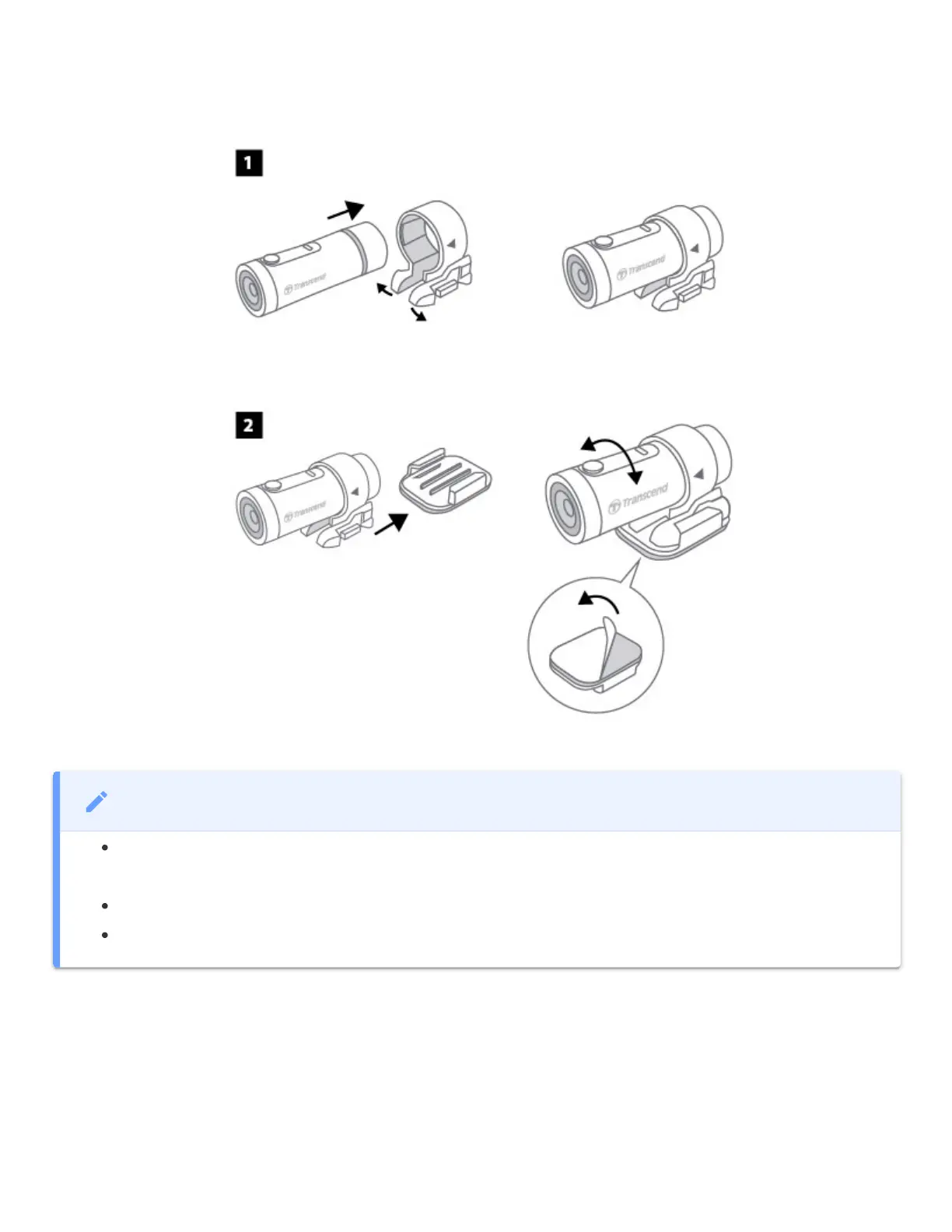
3-3 Mounting the DrivePro
3-4 Charging
1. Rotate protective case anti-clockwise until loose.
2. Connect micro USB end of power cable to the device and Type-A end to a power source,
laptop/computer, or charging device with 5V power output.
3. LED light will turn solid orange while charging, and turn off automatically when fully charged.
NOTE
Installation surface should first be cleaned and dried so 3M adhesive pad can be firmly
attached. Avoid uneven surfaces.
To separate mount and holder, press the holder and push it forward.
The arrow symbol on the camera holder should point towards the lens.















 To Next Page