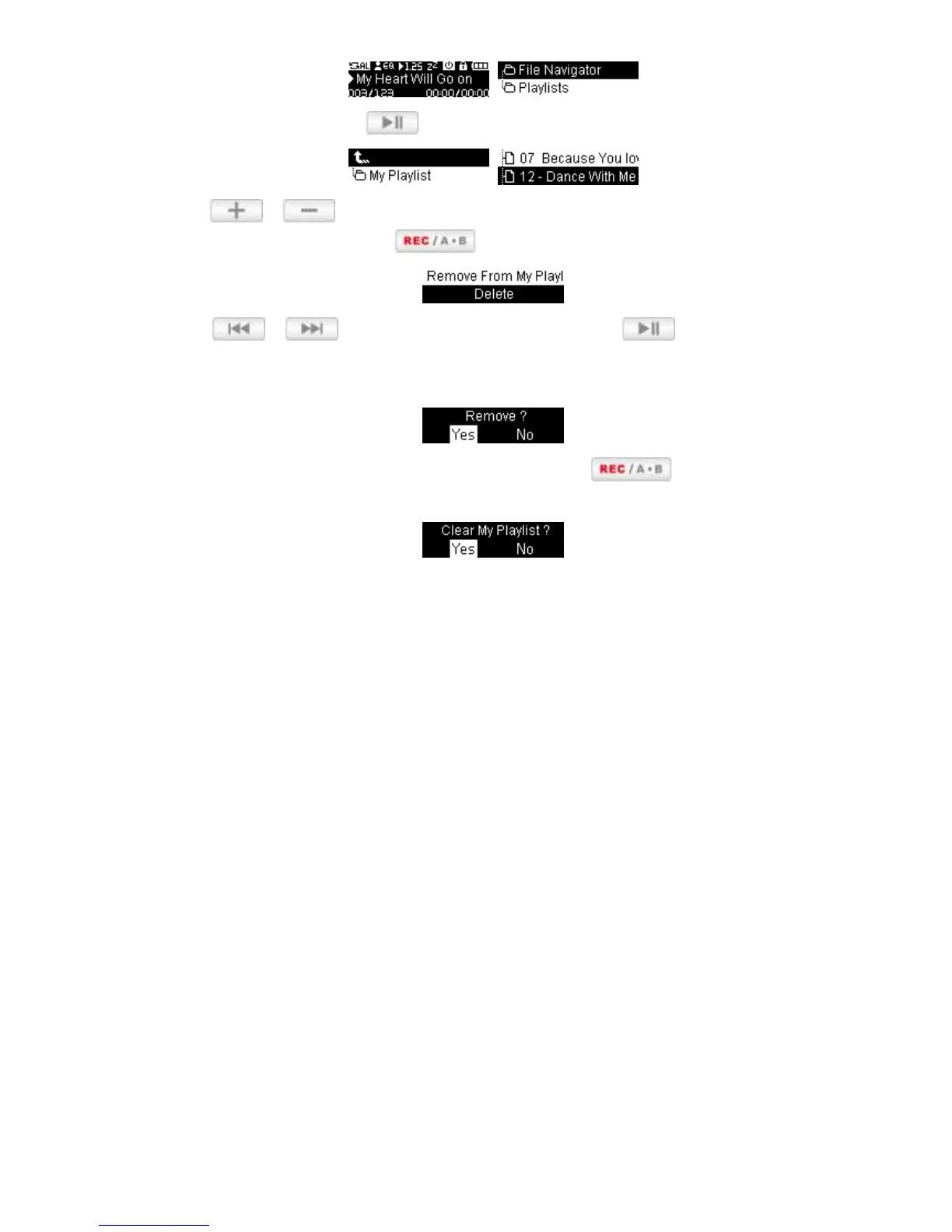
1. Select “My Playlist” and press .
2. Use the /
buttons to find the song you want to remove.
3. With the file highlighted, press the button and select “Remove from My Playlist.”
4. Use the / buttons to highlight “Yes” and press to remove the file from My
Playlist, or select “No”to go back without altering the Playlist. (note: this will only remove the
selected song from the current playlist, and will not actually delete the file from the internal memory).
5. To remove all songs, highlight “My Playlist” and press the button, then select “Yes” to
confirm.















 To Next Page