Driver Installation︱
Driver Installation for Windows
®
2000, XP and Vista
No drivers are required. These Windows
®
Operating Systems have built-in drivers to support the MP330. Plug
your MP330 into an available USB port and Windows
®
will install the necessary files. A “Removable Disk” drive
with a newly assigned drive letter will appear in the My Computer window.
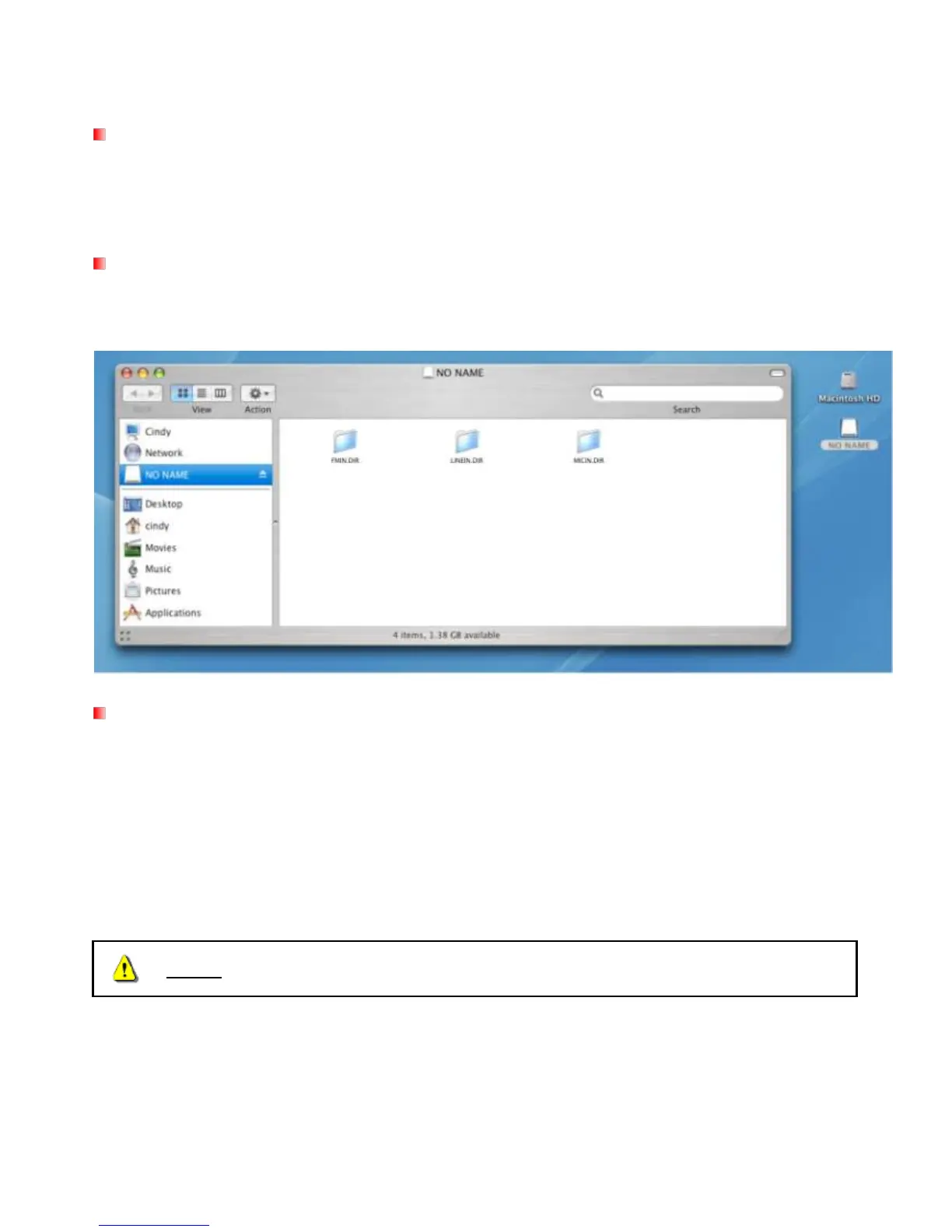
Driver Installation for Mac
®
OS 10.0 or Later
No drivers are required. Plug your MP330 into an available USB port and your computer will automatically
detect it.
Driver Installation for Linux
®
Kernel 2.4 or Later
No drivers are required. Plug your MP330 into a USB port and mount it.
1. Create a directory for the MP330.
Example: mkdir /mnt/MP330
2. Mount the MP330.
Example: mount –a –t msdos /dev/sda1/mnt/MP330















 To Next Page