Recalling a Saved Station
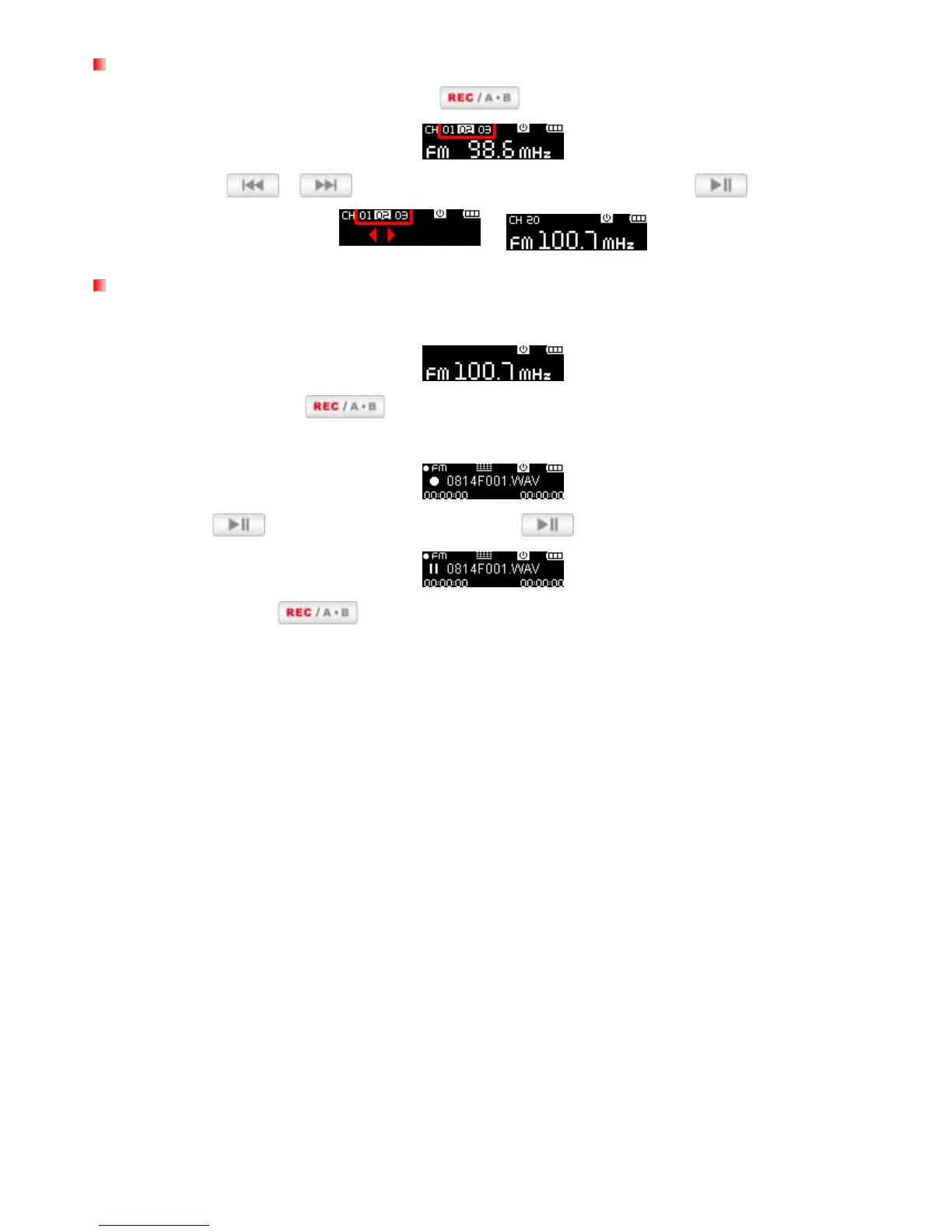
1. In the RADIO mode press (don‟t hold) to display your saved stations (CH 01 to CH 20).
2. Use the / buttons to select a channel number and press to listen to it.
Recording the Radio
1. Select a radio station that you want to record.
2. Press and hold the
button for 2 seconds to begin recording the station.
3. An automatically generated file name for your recording will appear.
4. Press to pause the recording, and press again to resume.
5. Press and hold
again to finish the recording and return to the RADIO mode.
FM Recordings are named and numbered in this format: “MonthDayF###.WAV”
Ex: “ 0101F012.WAV “ would be the twelfth FM recording made on January 1
st
FM recording are saved in the / FMIN.DIR folder. Use the File Navigator in MUSIC mode to locate
and play back recordings
To adjust the FM recording sample rate, please see “Settings / REC Settings / Record Quality”















 To Next Page