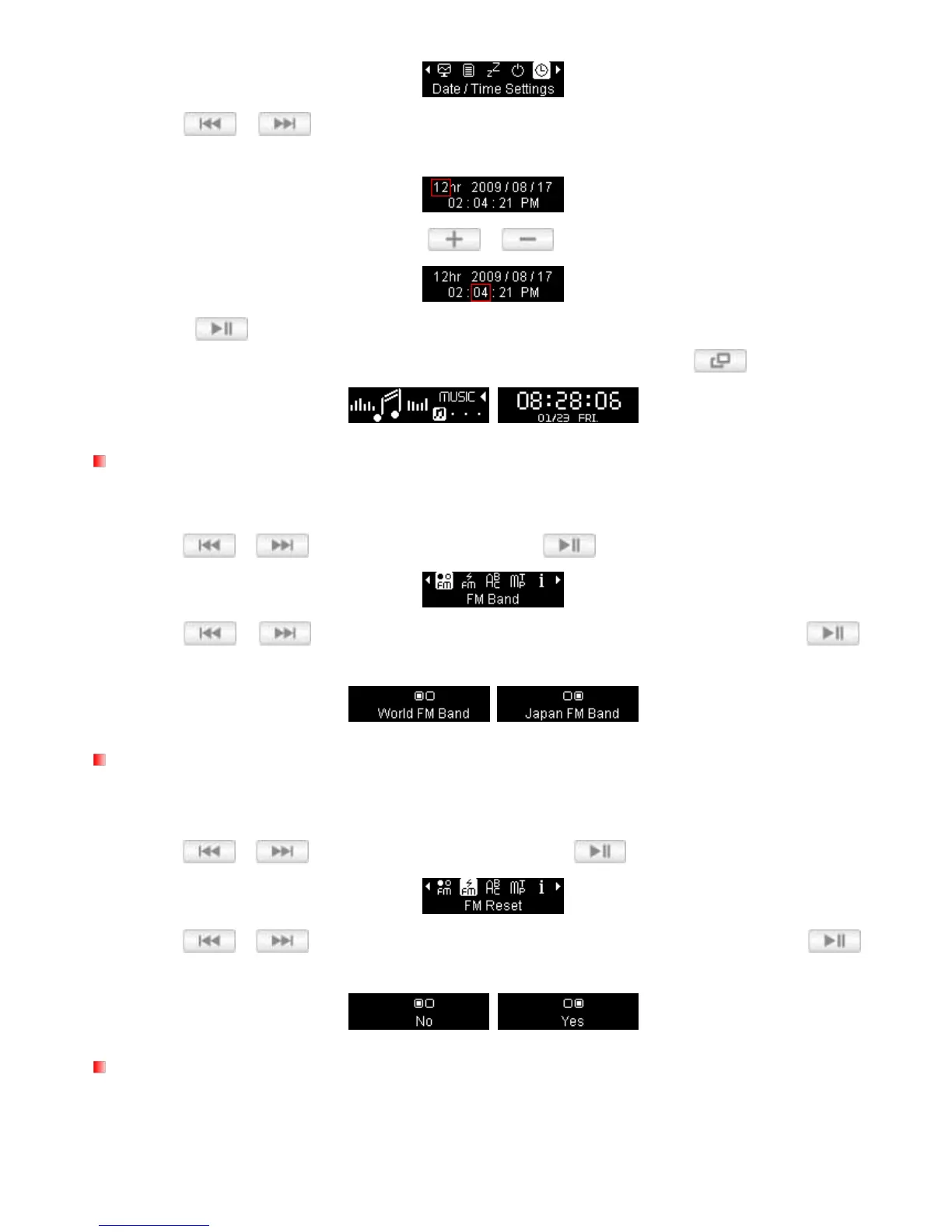
2. Use / to move between 12/24Hr, Year, Month, Day, Hour, Minute, Second, and
AM/PM.
3. Adjust the values of each field with the /
buttons.
4. Press
to confirm your new time settings.
Tip: You can view a full-screen version of the player’s internal clock by pressing in the Main Menu.
FM Band
The MP330 allows you choose World FM Band (87.5MHz~108.0MHz) or Japan FM Band
(76.0MHz~90.0MHz).
1. Use / to select “FM Band“ and press .
2. Use / to select “World FM Band” or “Japan FM Band,” then Press to
confirm.
FM Reset
This function resets all saved Radio stations (
CH
01 to
CH
20). If you use this feature, the next time you enter the
RADIO mode, the MP330 will automatically re-scan and save the 20 strongest stations.
1. Use / to select the “FM Reset” and press .
2. Use / to select “Yes” to reset your FM stations or “No” to keep them. Press to
confirm.
Language
Sets the MP330‟s display language, including menus, song/album titles, artist names, and lyrics. The player
supports 14 User languages.















 To Next Page