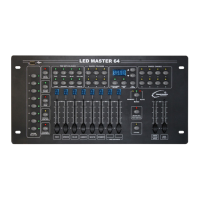
LED Master 64 manual
4 Press PROGRAM/REC button, all LEDs will blink 3 times and then go out indicating
that one step has stored successfully (it will show ‘NULL’ and will not store if all
outputs are ‘0’).
5 Repeat steps 3-4 to store more steps, each chase can store 32 steps maximum,
it will show “FULL” when up to 32 steps.
6 Repeat steps 2-5 to store more chases.
7 Hold PROGRAM/REC button for 3 seconds to exit programming mode,
the LED indicator above PROGRAM/REC will go off.
ATTENTION: Before using any saved color or lighting effect, press DEL/CLEAR button
to clear any output you set inadvertently, so that you can avoid storing any unwanted
lighting effect.
4.5 Insert Step to Chase
1 Enter programming mode.
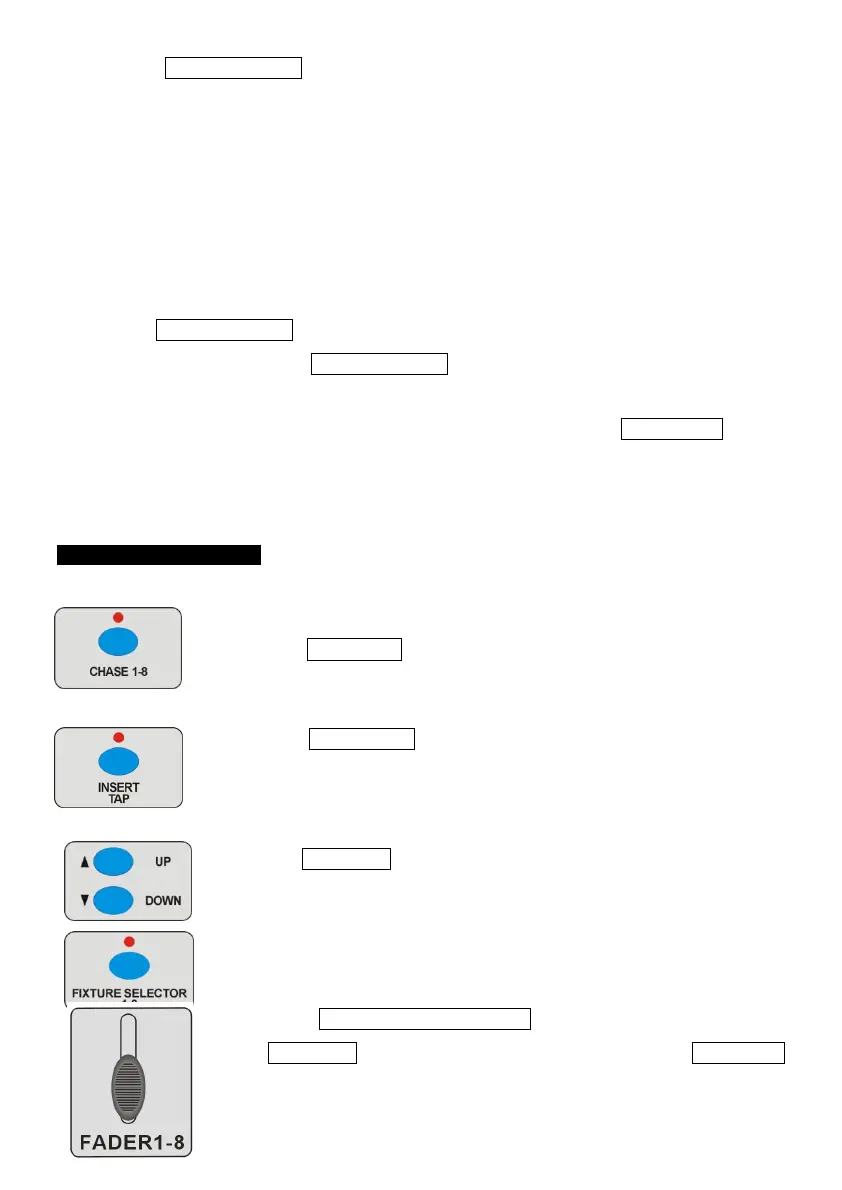
2 Press CHASE 1-8 button to choose the desired chase
to insert step.
3 Press INSERT/TAP button, the LED indicator above it will go on,
the present step will show on the display (for example, it will
show ‘ST00’ when there is no step).
4 Use UP/DOWN button to select the position of inserted steps
(If you want to insert a fifth step, you should set the present step
to be ‘ST05’).
5 Press FIXTURE SELECTOR 1-8 button to choose fixture, use
UP/DOWN button to choose saved color or push the FADER 1-8
to adjust the lighting effect.


 To Next Page