LED Master 64 manual
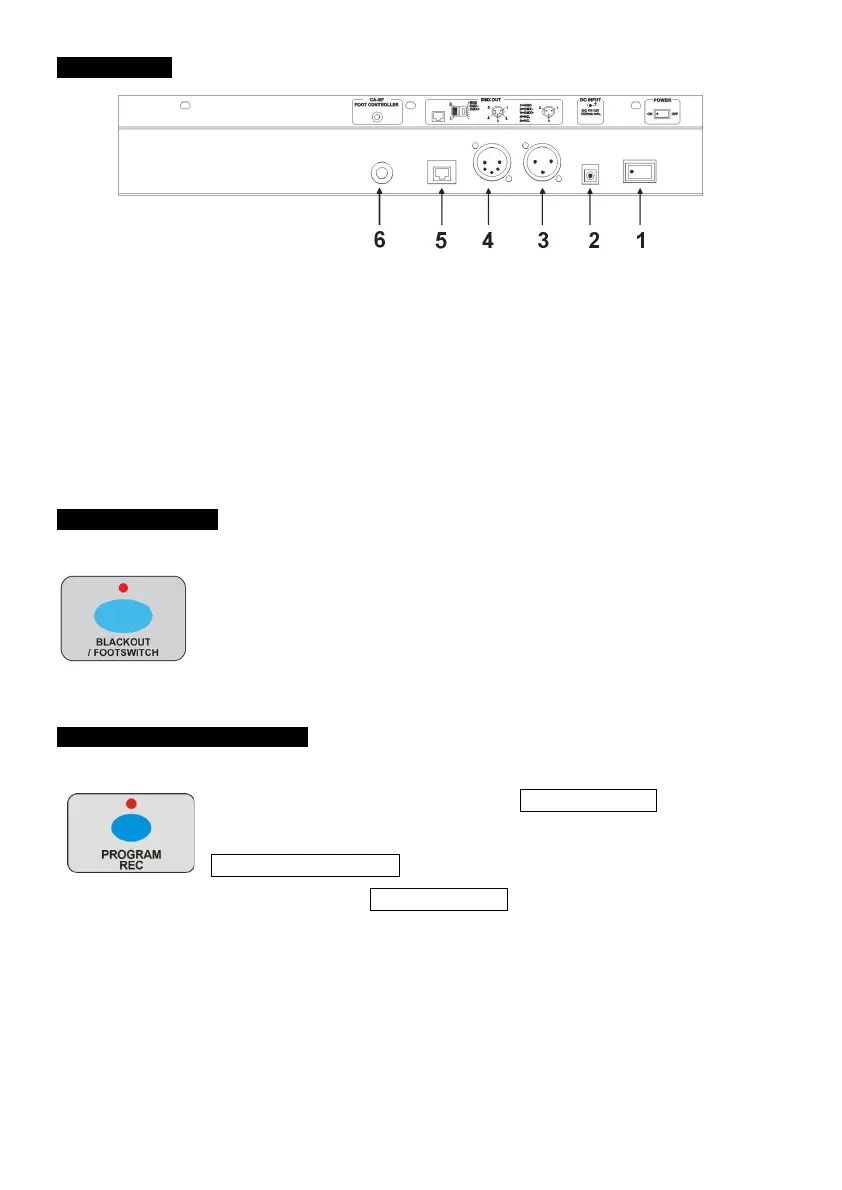
3.2 Rear View
4
4. Operation Guide
When you turn on the power to the LED Master 64, it will continue
running the last function/programme from when it was previously
powered down.
4.0 Enter Programming mode
To enter the programming mode: Hold PROGRAM/REC button for
3 seconds, when the LED display shows LOCK, you should press the
fixture selector button 6 six times to unlock. That means the code is
“666666”. Then the PROGRAM/REC button LED and the LED indicator
above the saved colors button, as well as the saved chases button, will
blink indicating programme mode is active.


 To Next Page