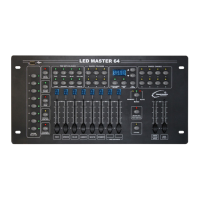
LED Master 64 manual
LED indicator above will light indicating the assignment mode is active.
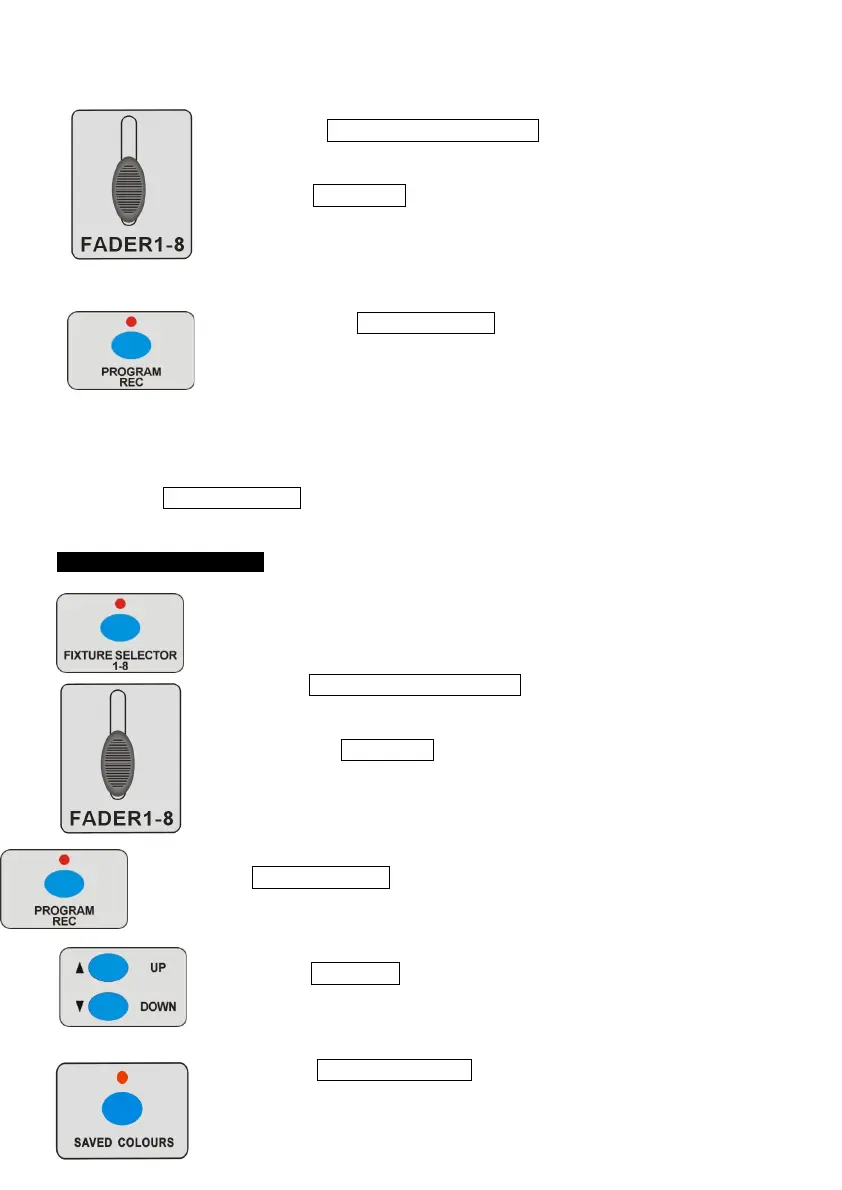
3. Press FIXTURE SELECTOR 1-8 button to choose units.
4. Use FADER 1-8 to assign the colour etc for each channel;
at
this point you can also set any unwanted channels to zero.
5. Press the PROGRAM/REC button, and all LED indicators will
blink 3 times and then go out, indicating that any changes have
been stored successfully.
6. Repeat steps 3-5 to assign all other channels for the remaining fixtures.
7. Hold PROGRAM/REC button for 3 seconds to exit programming mode.
4.2 Store Saved Colours
1 Enter programming mode.
2 Press FIXTURE SELECTOR 1-8 button to choose units.
3 Use fader FADER 1-8 to adjust the output.
4 Press PROGRAM/REC button once.
5 Press UP/DOWN button to choose bank 1-6 to store saved color
(Jump this step if you have chosen a bank before).
6 Press SAVED COLOURS button, and all LED indicators
will blink
3 times and then go out, the corresponding LED will then be


 To Next Page