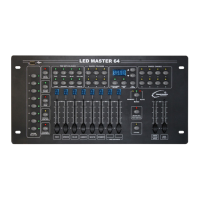
LED Master 64 manual
4.10 Run Saved Colours
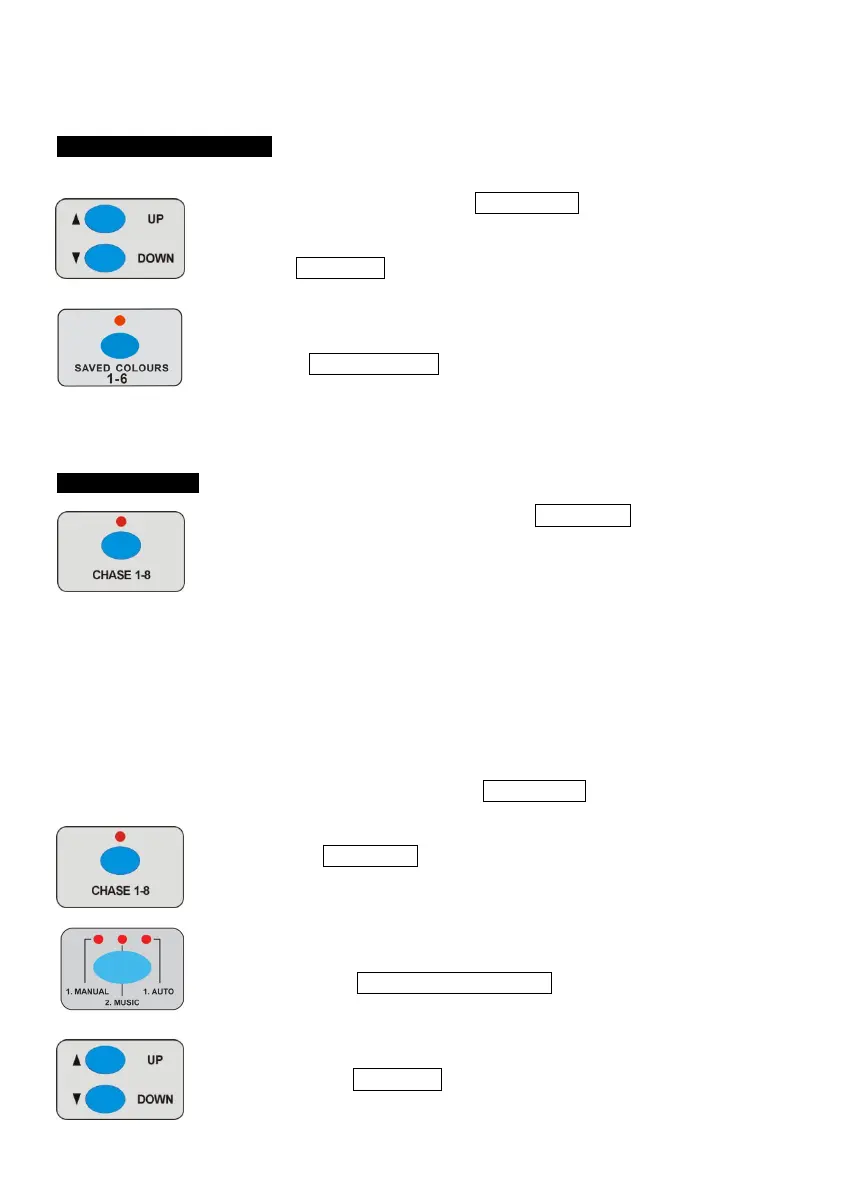
1 Ensure the LED above the BLACK OUT button is off.
2 Use UP/DOWN button to choose BANK 1-6 to recall the
SAVED COLOURS.
3 Press saved colour1-6 button to recall the SAVED COLOURS in
the bank selected.
4.11 Run CHASE
Be sure there are CHASES stored. Press CHASE 1-8 buttons to
run CHASE directly, the corresponding LED will be on. If you choose
more than one CHASE at a time, then the first chase selected LED will
be on and others will be blinking, all the CHASES will cycle through
one by one.
There are three modes: Manual Mode, Sound Mode and Auto mode.
A. Manual mode
1 Ensure the LED above the BLACK OUT button is off.
2 Press CHASE 1-8 button to run the CHASE, the display will
show the present CHASE selected.
3 Press the MANUAL/MUSIC/AUTO button until the MANUAL
LED is on indicated manual mode has been selected.
4 Press the UP/DOWN button to step through the chase scene
by scene.


 To Next Page