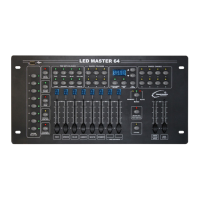
LED Master 64 manual
B. Sound Mode
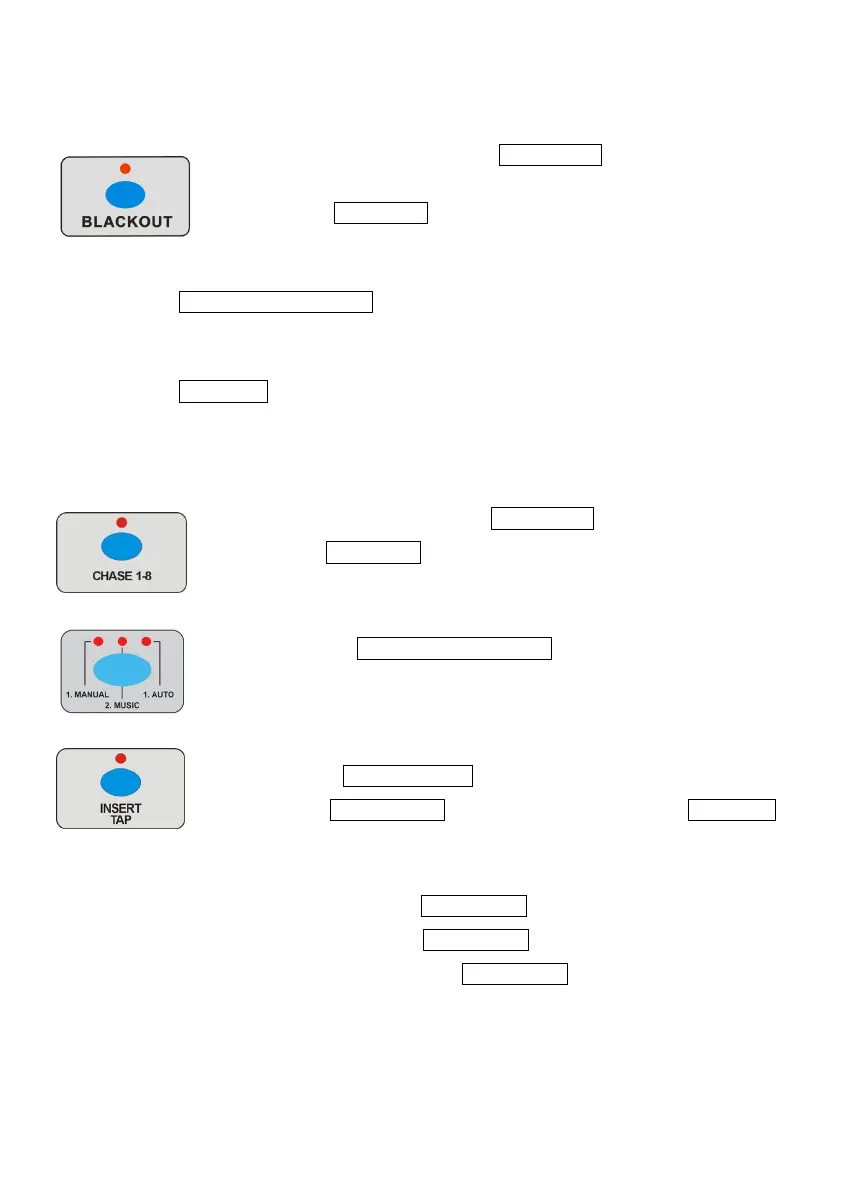
1 Ensure the LED above the BLACK OUT button is off.
2 Press CHASE 1-8 button to select the CHASE,
the display will show the present CHASE.
3 Press MANUAL/MUSIC/AUTO button to select Sound Mode,
the MUSIC LED will now be on indicating Sound Mode is selected.
4 Press UP/DOWN button to adjust the sound sensitivity,
the CHASE will now run to the music.
C. Auto mode
1 Ensure the LED above the BLACK OUT button is off.
2 Press CHASE 1-8 button, the display will show the selected
CHASE.
3 Press the MANUAL/MUSIC/AUTO button to select Auto Mode,
the AUTO LED will now be on indicating Auto Mode has
been selected.
4 Use the CHASE SPEED fader to adjust the CHASE speed,
or use FADE SPEED to adjust the fade time. Press UP/DOWN
button to set the run time for CHASE (It’s useful when running
more than one CHASE at a time). You can also change the
CHASE speed via INSERT/TAP button. When running the
CHASE, press the INSERT/TAP button and the indicator will be
blinking, then press the INSERT/TAP button and the indicator
will go off, the blinking time will then be the CHASE speed.


 To Next Page