23
EN
First run
2
FIRST RUN
First run
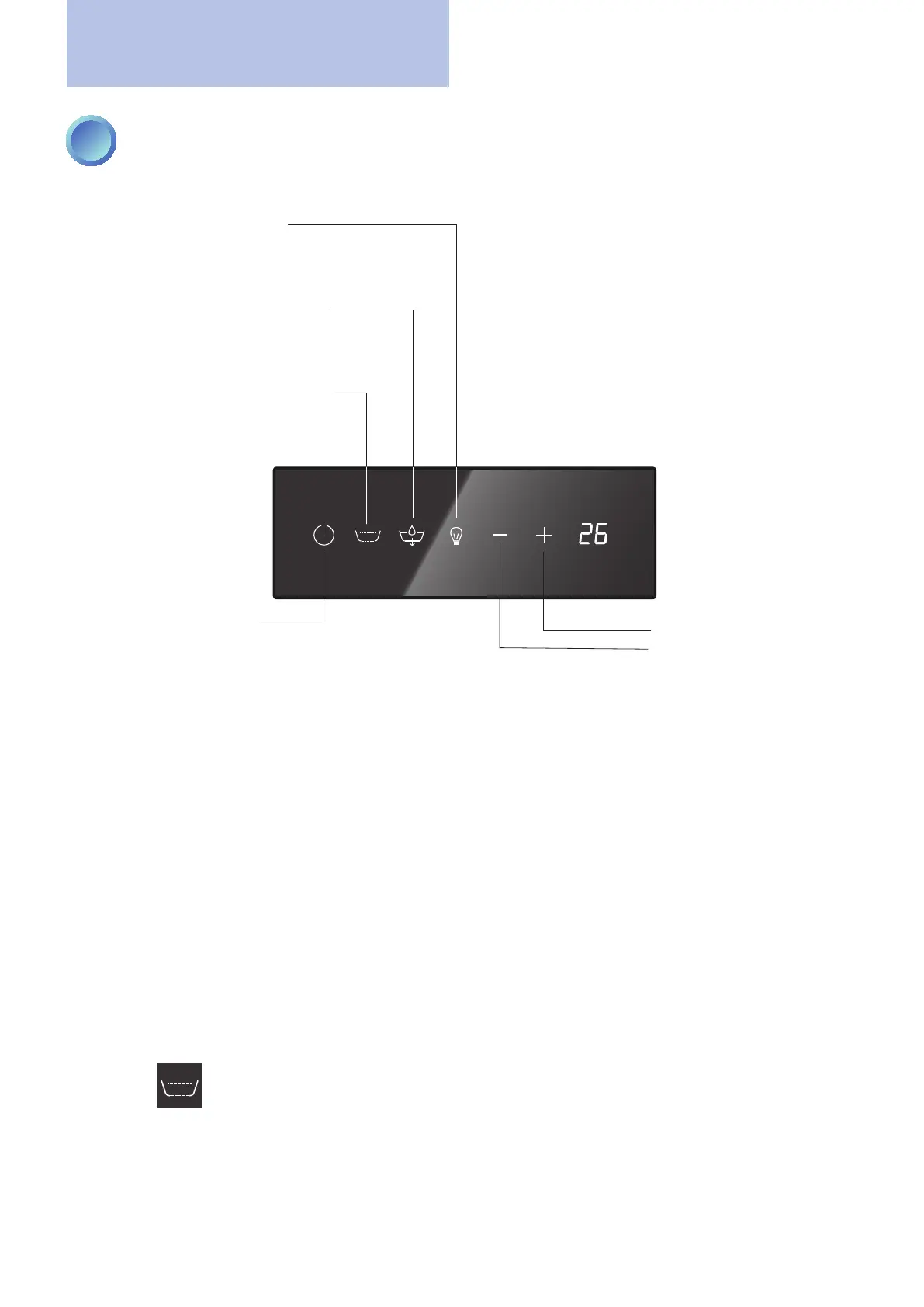
key to start/stop
sleep mode
WHITE: sleep mode NOT active
BLUE: sleep mode active
whirlpool activation (brief press)
WHITE: NOT active
BLUE: whirlpool in progress
bathtub ll/empty key
WHITE: NOT active
BLUE: lling in progress
FLASHING: emptying in progress
chromatherapy activation key
WHITE: chromatherapy NOT active
BLUE: xed colour
FLASHING: colours in sequence
value increase key (UP)
value decrease key (DOWN)
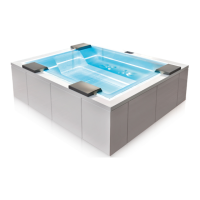
minipool Phantom SP1
With the bathtub full, recirculation active and ozone active, start all the functions of the bathtub in sequence in the
presence of the owner to verify proper operation.
WATER TEMPERATURE ADJUSTMENT
Pressing the "+" or "-" keys will vary the setting of the water temperature by +/- 0.5°C (the standard value at startup
is 35°C, the temperature range is from 10°C to 40°C).
After three seconds of inactivity, the display will return to standby and the corresponding LED will be off.
When switched on the last value set is loaded.
WHIRLPOOL
Pressing the
key will activate the whirlpool function in the perimeter slot present in the minipool (default
duration 20 minutes). Press the key again to stop the function.
The rst time it is recommended to leave the whirlpool in operation for at least 2-3 minutes to expel the air that may
be present in the plumbing system.



 To Next Page