User manual TREMOL S25
15
Prints help and general ECR values:
POS number; percentage addition;
percentage discount; invoices range
PROGRAMMING NAME OF PAYMENT AND EXCHANGE RATE [2]
ECR may operate with five different types of payment with following
characteristics:
- main CASH 0 – key (prints always CASH), at the display is shown the
programmed name (default — national currency);
- additional 1, 2 and 3 with programmable name and option to disable it;
- currency with programmable name and exchange rate to main payment and
enabled only when system parameter CURRENCY = YES).
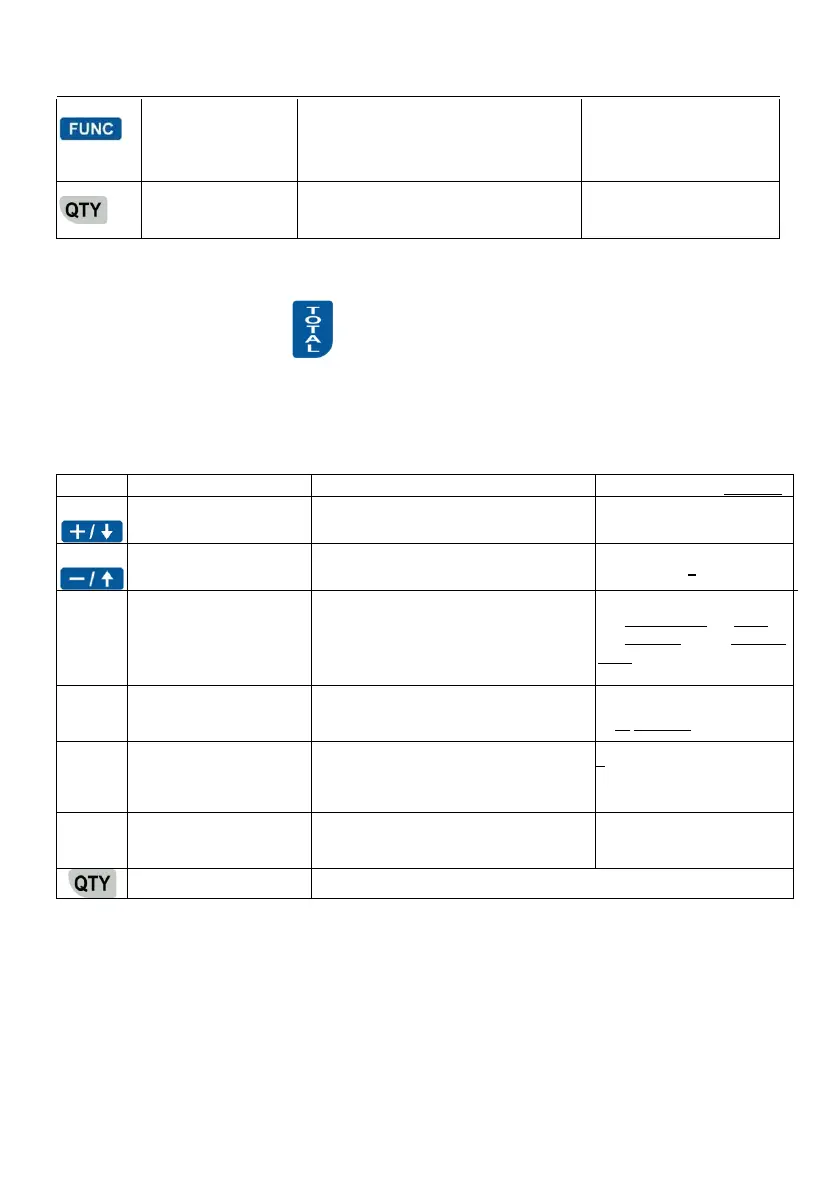
Function keys:
Scrolls to lesser payment/greater
number
To payment number 3 and
then currency
Scrolls to greater/lesser payment
number
Enter payment name programming
mode
10 characters max
0 – Cash 1 – Card
2 – Chegue 3 – Coupon
USD
Enable / disable present additional
payment
Set change parameter of additional
payments. Several options available
with pressing the key =
0- with change calculation;
1- no change;
2- limited = due amount
Prints programmed parameters of the payment types
VAT RATES PROGRAMMING [3]
ECR operates with five VAT Rates (A, B, C, D and E) with programmable rate
values. When registering sale, the turnover is accumulated to one of the VAT Rate
registers according to article or department VAT Rate Group attachment.



 To Next Page