EasyManua.ls Logo

TREMOL S25 - CUSTOMER DATA AND TIME SETUP; Customer Database and Date;Time Configuration

TREMOL S25
31 pages
Print Icon
To Next Page IconTo Next Page
To Previous Page IconTo Previous Page
Loading...
User manual TREMOL S25
20
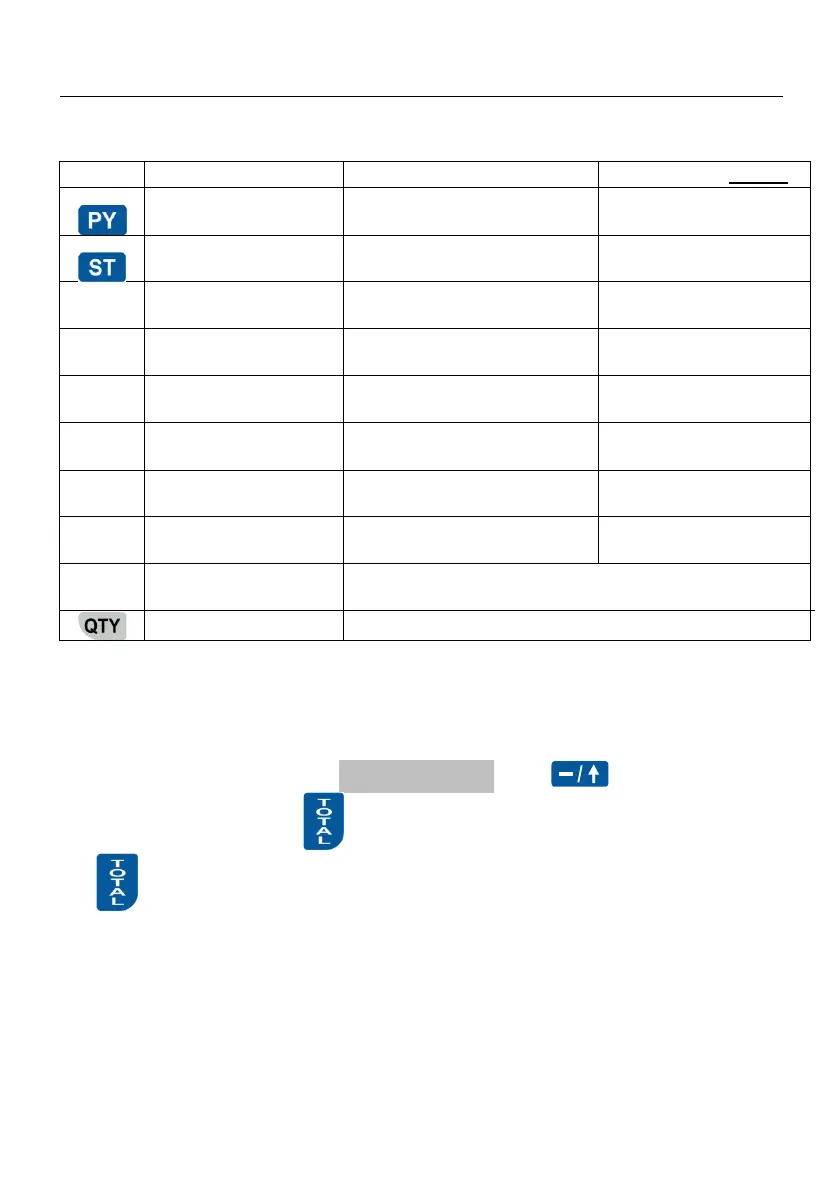
PROGRAMMING CUSTOMERS DATA BASE [PROGRAM F1]
In this mode is possible to program customers data.
Key
Name
Function
Value range default
Customer 1,2,3,…300
Scrolls to greater customer
number
Up to number 300
Customer 300…1
Scrolls to lesser customer
number
Down to number 1
0
PIN
Set/show selected customer PIN
characteristic
14 characters
1
Name
Set customer name
Up to 30 characters
2
Headguarters
Set customer headguarters
Up to 30 characters
3
Address
Set customer address
Up to 30 characters
4
City/Postal
Up to 30 characters
5
Exemption #
Up to 30 characters
6
Print data for all customers
Print all
Print data for selected customer
SET DATE AND TIME
Date and time can be set with date and time not earlier then the last document
stored in EJ or last fiscal record in FM.
To enter date later with more then one day from the present the ECR requires
confirmation by enter it again.
In the main “Programming” menu Program press , enter date in format
DD-MM-YY and confirm with . After date set the time in format HH-MM and confirm
with . New date and time are printed.


Table of Contents

Other manuals for TREMOL S25

Related product manuals