User manual TREMOL S25
29
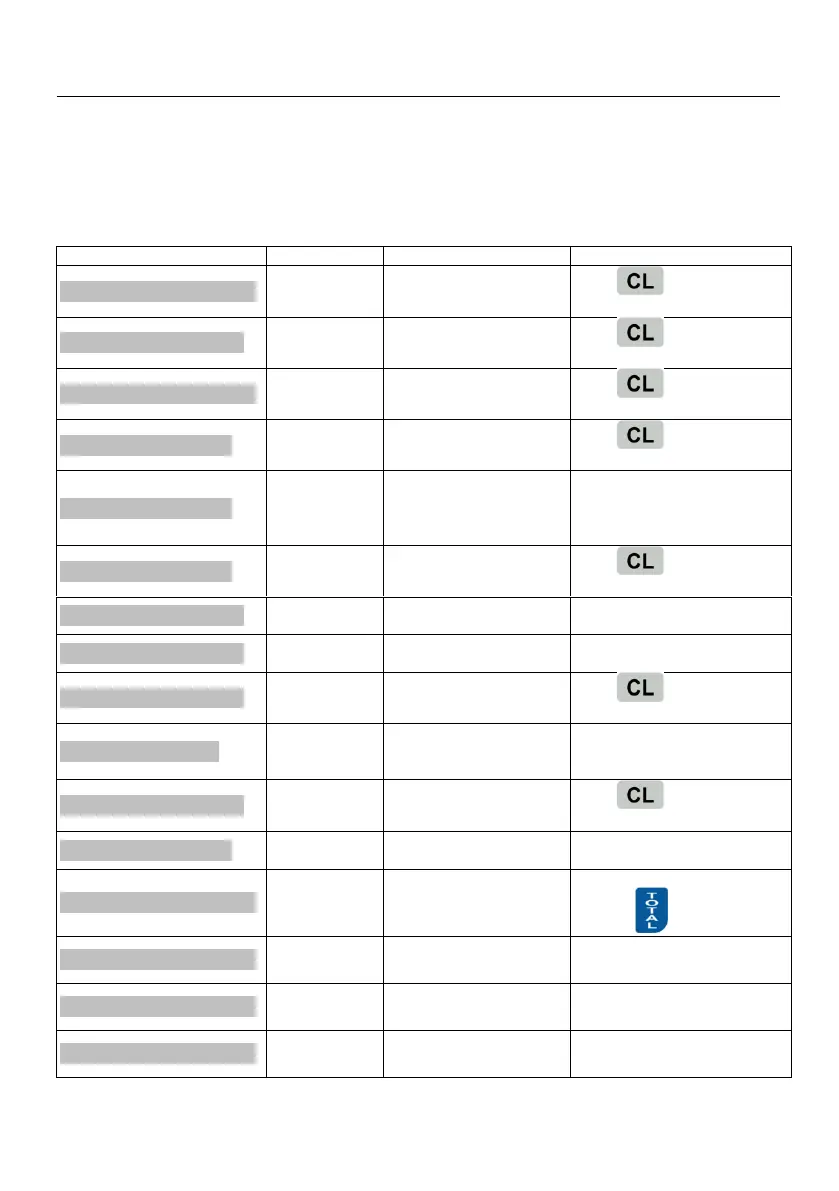
ERRORS AND RESTRICTIONS DURING ECR
OPERATION
During the operation of ECR are possible errors because of misuse, registers
overflow or other restrictions.
DISPLAYED MESSAGES
no price or forbidden
VAT Group
press initiate new
operation
no price or forbidden
VAT Group
press initiate new
operation
press initiate new
operation
press initiate new
operation
Not enough quantity of
the article instock
In PROGRAMMING mode
enter new quantity for the
article or set operation mode
without quantity monitoring
The sum is greater then
the maximum allowed
press initiate new
operation
Maximal number of sales
is reached
Pay and close the receipt
Try to void inexisting sale
Repeat the operation but
describe the correct sale
press initiate new
operation
ECR expects received
sum to be entered
Close the receipt in desired
payment type, but enter the
received sum
Not enough in the
Payment type
press initiate new
operation
The invoice range is full
Set new invoice range in
PROGRAMMING mode
Make Daily Z report. in Report
Z press
Department turnovers
overflow
Make the report in Report Z
by pressing 4
Articles turnovers
overflow
Make the report in Report Z
by pressing 5
Operators turnovers
overflow
Make the report in Report Z
by pressing 6



 To Next Page