User manual TREMOL S25
19
CONNECTION WITH PC IN PROGRAMMING AND REPORTING LINE MODE [7]
ECR receives commands from PC interface. Display reading in this mode is:
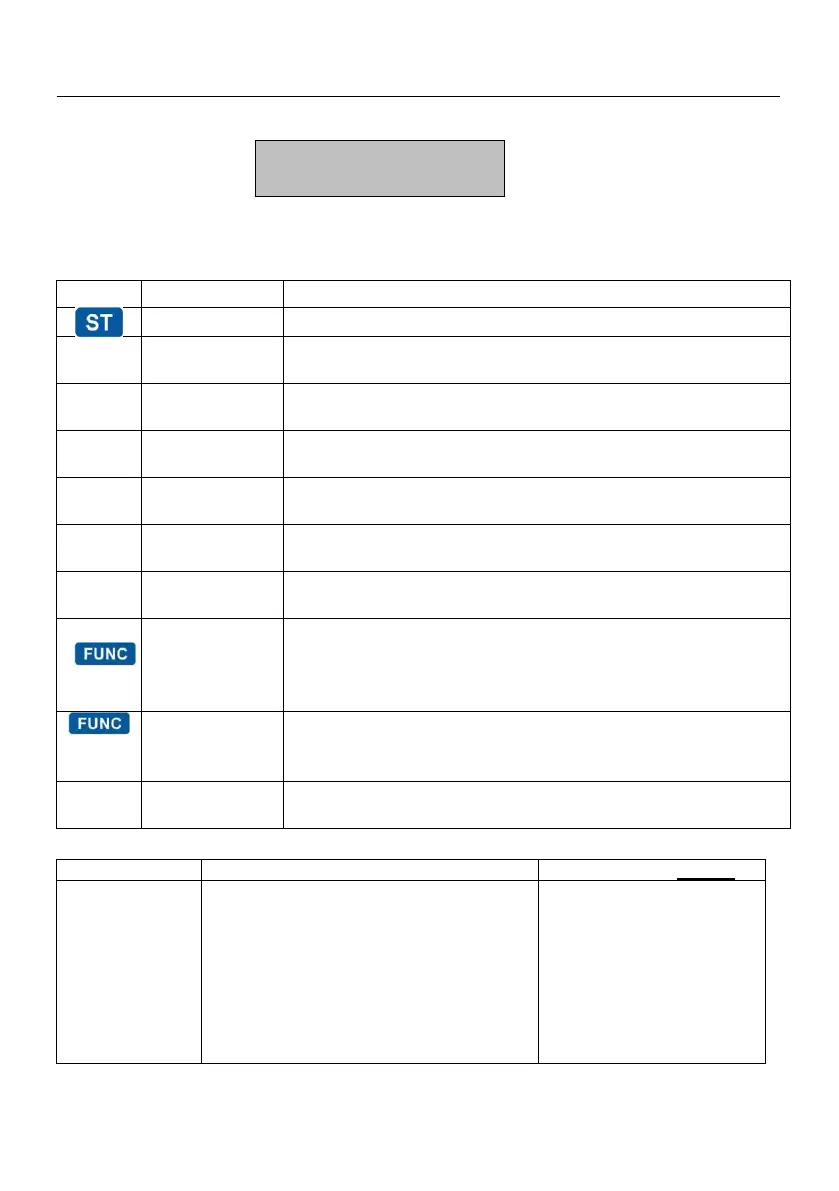
ECR SYSTEM TESTS.[8]
In this mode is possible to check functionality of different ECR modules.
By pressing a key are started these system tests:
test Version, C.S. & printing
test FM, printing of free reports and events
mesure of power supply voltage
gradually fill the display and print keyboard version
internal SD checking test
SET COMMUNICATION PARAMETERS [9]
Select a wireless network that the ECR
will remember and connect. Press =
to
print the available wireless networks.
Select the network number from the list,
enter the access password, and after
successfully connecting to the selected
network, the ECR will prints the network
settings



 To Next Page