S108 User Guide
38
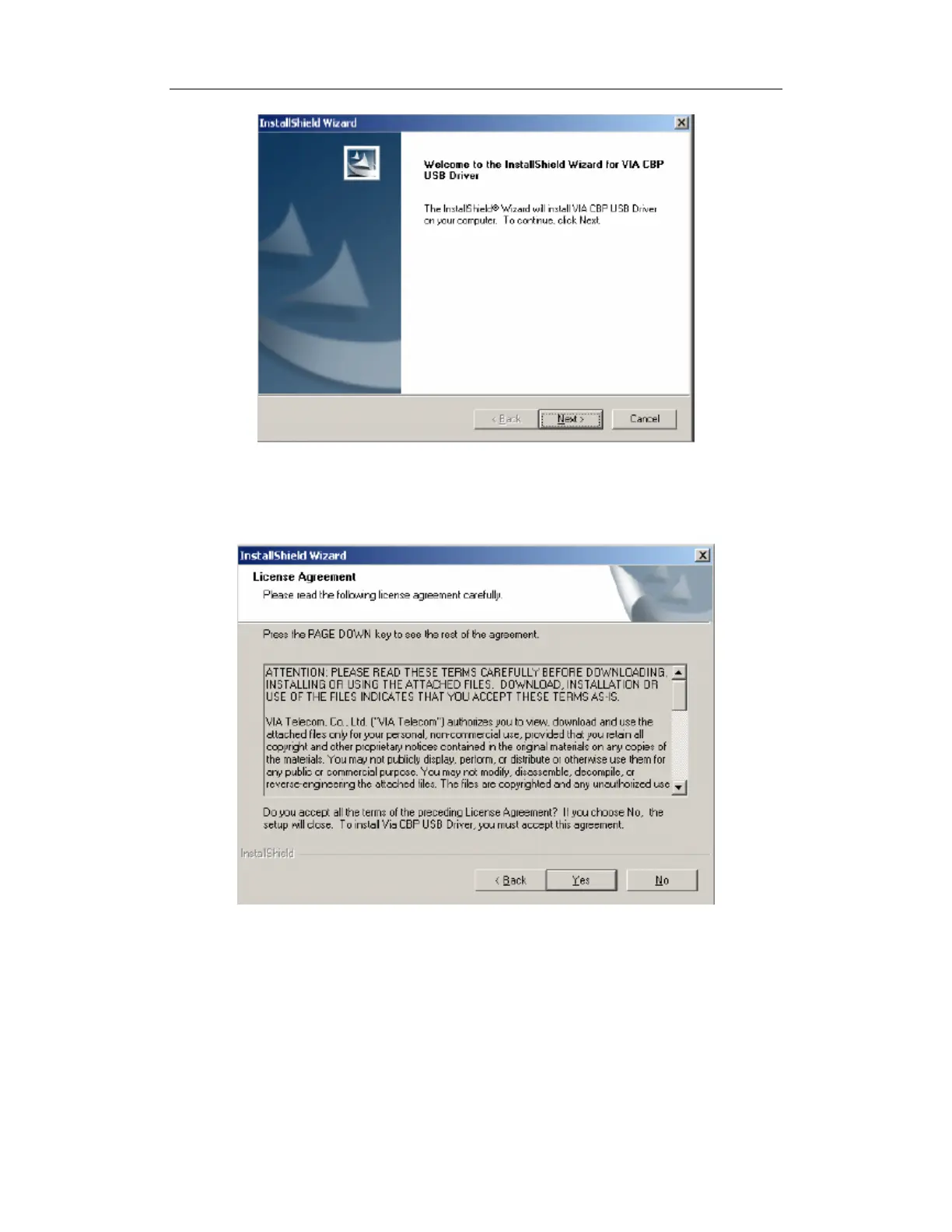
Figure 2 - USB Windows Device Driver Setup Welcome Dialog Box
3. Click the Next button to continue.
The License Agreement dialog box appears.
Figure 3 - USB License Agreement Dialog Box
4. To continue, you must accept the License Agreement by clicking the Yes button. If you
select the No button, the following dialog box will appear, confirming whether you truly
wish to terminate the installation process at this time.


 To Next Page