S108 User Guide
40
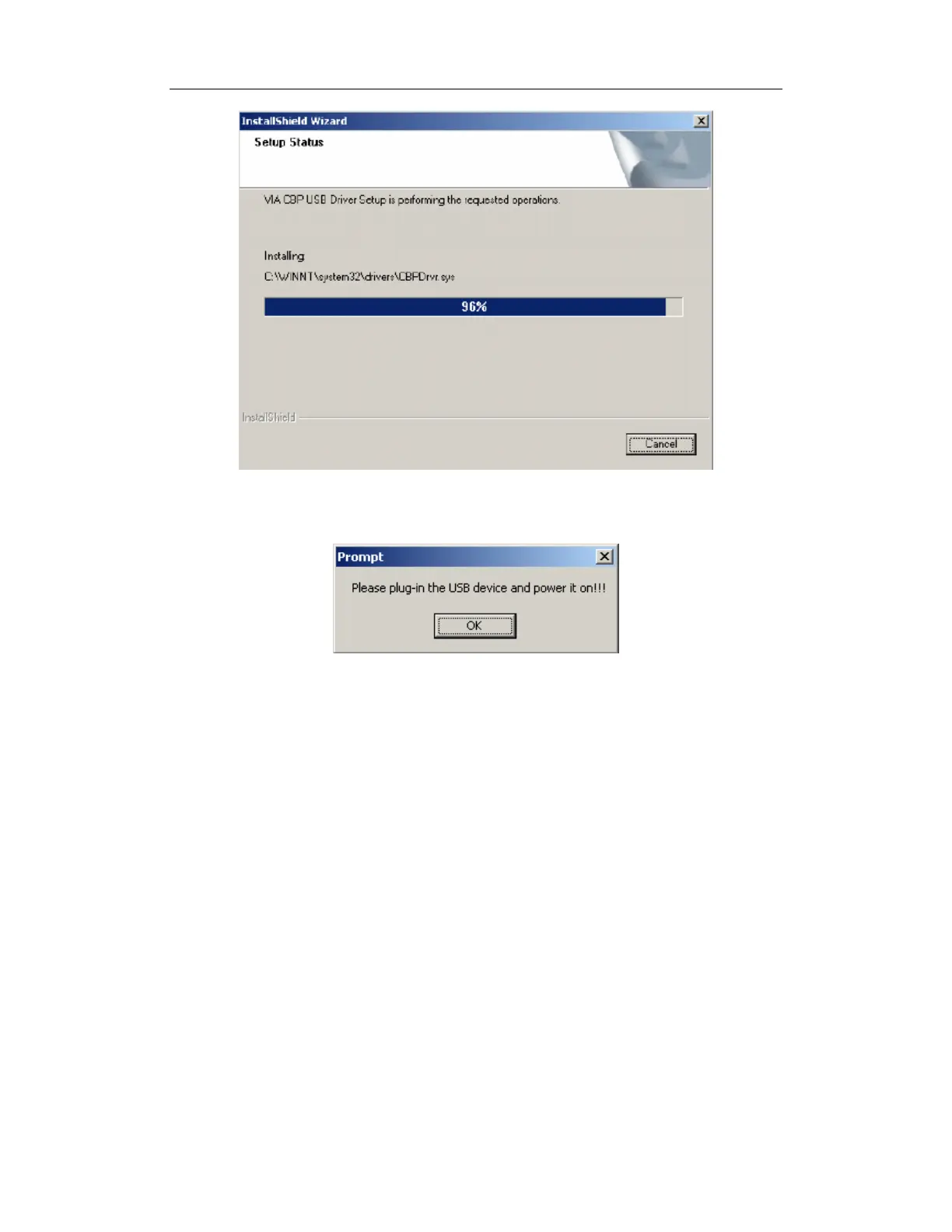
Figure 6 – USB Driver Installation Operation Status Message
Upon completion of this step, the following message box appears.
Figure 7 – USB Device- Discovery Action Request Message
6. Click OK to trigger the Plug-N-Play mechanism to complete the discovery, installation,
and registration of the USB device driver components into the Windows Operating System.
You should do it referring to below terms:
7. Connect the phone with the computer, so the computer finds new USB devices.


 To Next Page