6
English
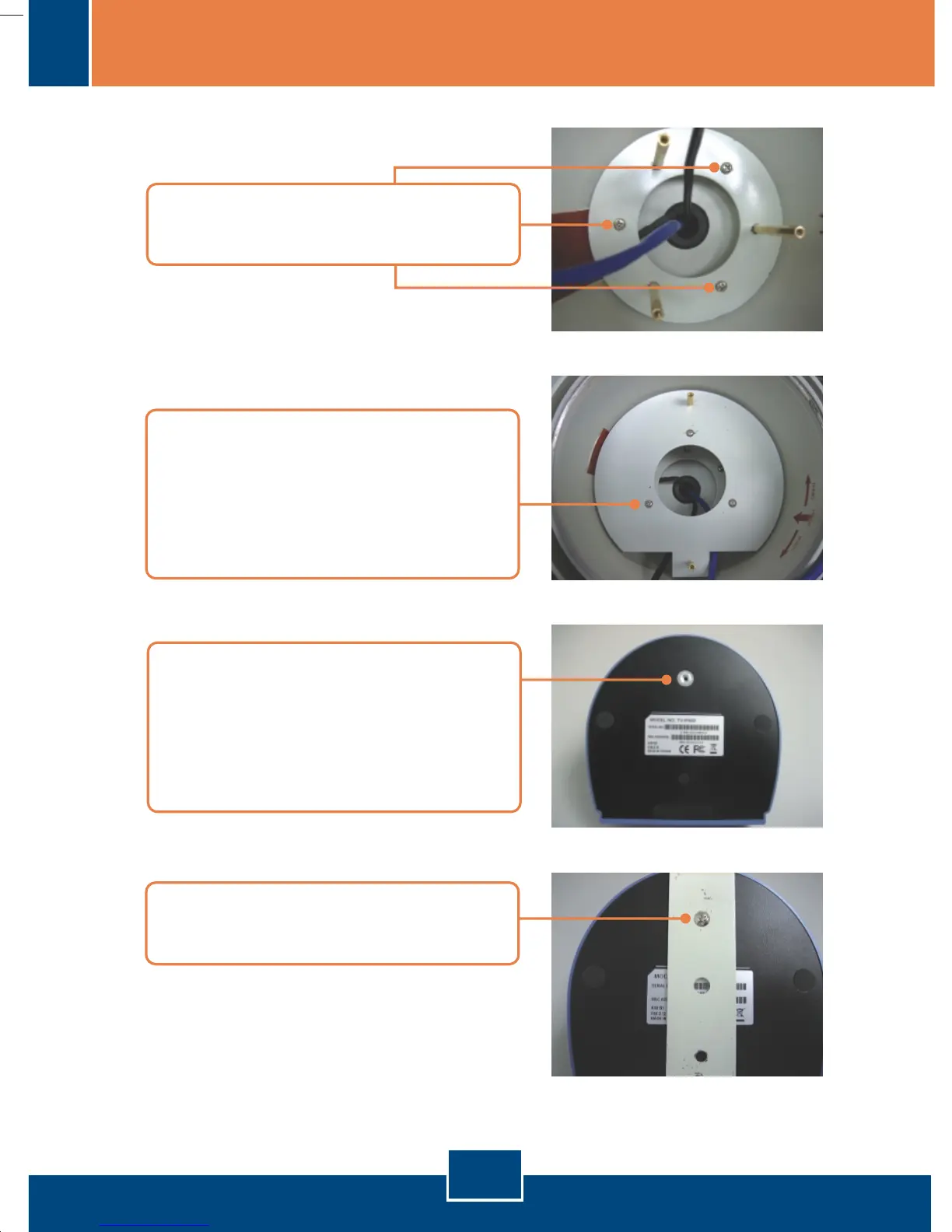
19. Take the TV-IP400/TV-IP400W
and turn to the bottom of the
camera. Remove the rubber
molding to prepare the camera for
the mounting.
20. Attach the mounting plate for the
camera with a small screw.
18. Take the assembly in step 18, and
use three countersunk head
screws to mount the assembly on
top of the 2-inch mounting
screws.
17. Mount the assembly in step 16
using three screws.








 To Next Page