© Copyright 2013 TRENDnet. All Rights Reserved.
TRENDnet User’s Guide
TEW752DRU
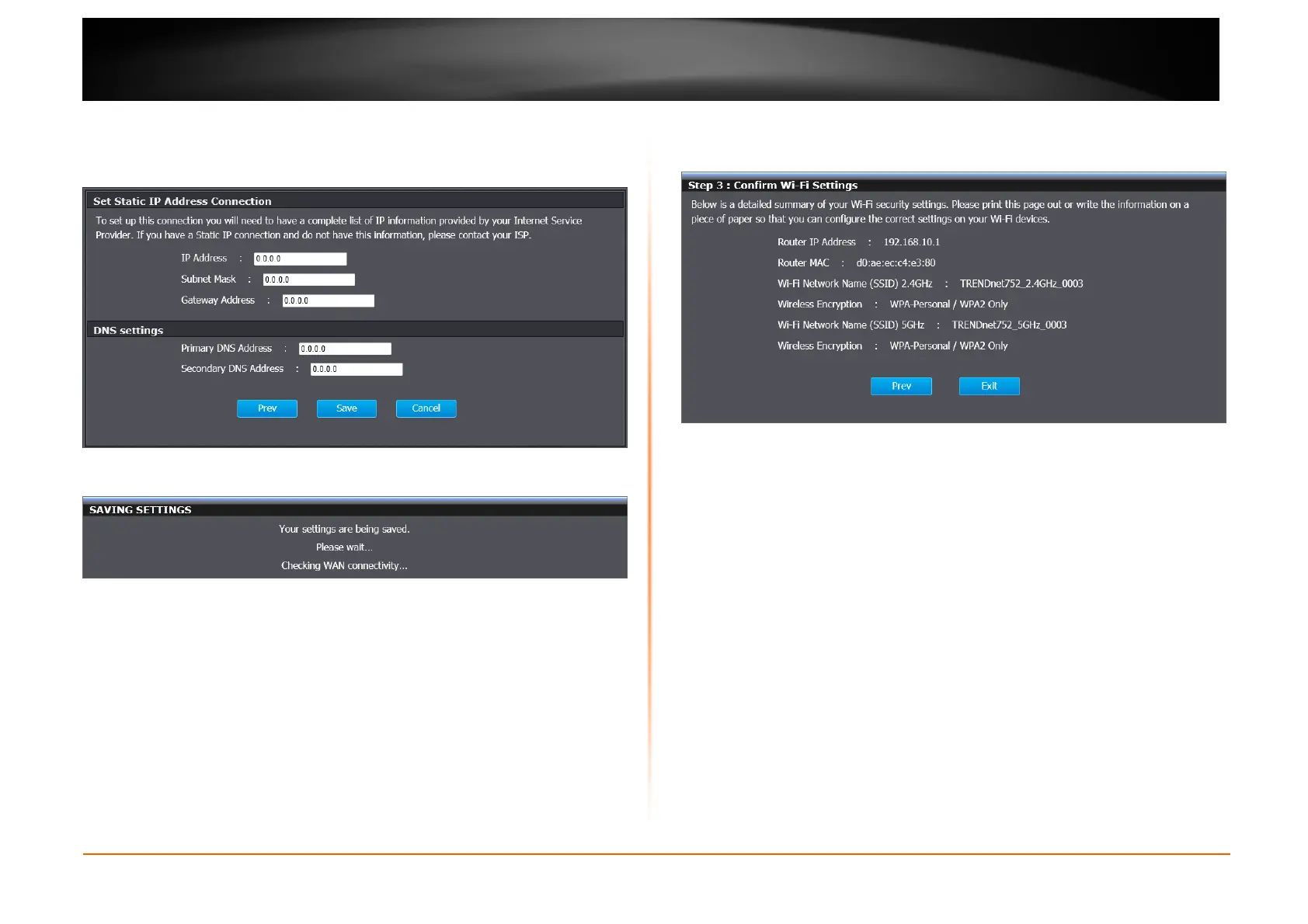
Static IP
When selecting Static IP, this window appears for you to configure. Enter the
static IP and DNS settings provided by the ISP. Click Save to implement the
changes and continue.
The router starts to check the WAN connection.
Step 3: Confirm Wi-Fi Settings
Once the router finds the correct WAN connection, the window appears providing
the information of wireless connection. Click Exit to finish the configuration.















 To Next Page