© Copyright 2013 TRENDnet. All Rights Reserved.
TRENDnet User’s Guide
TEW752DRU
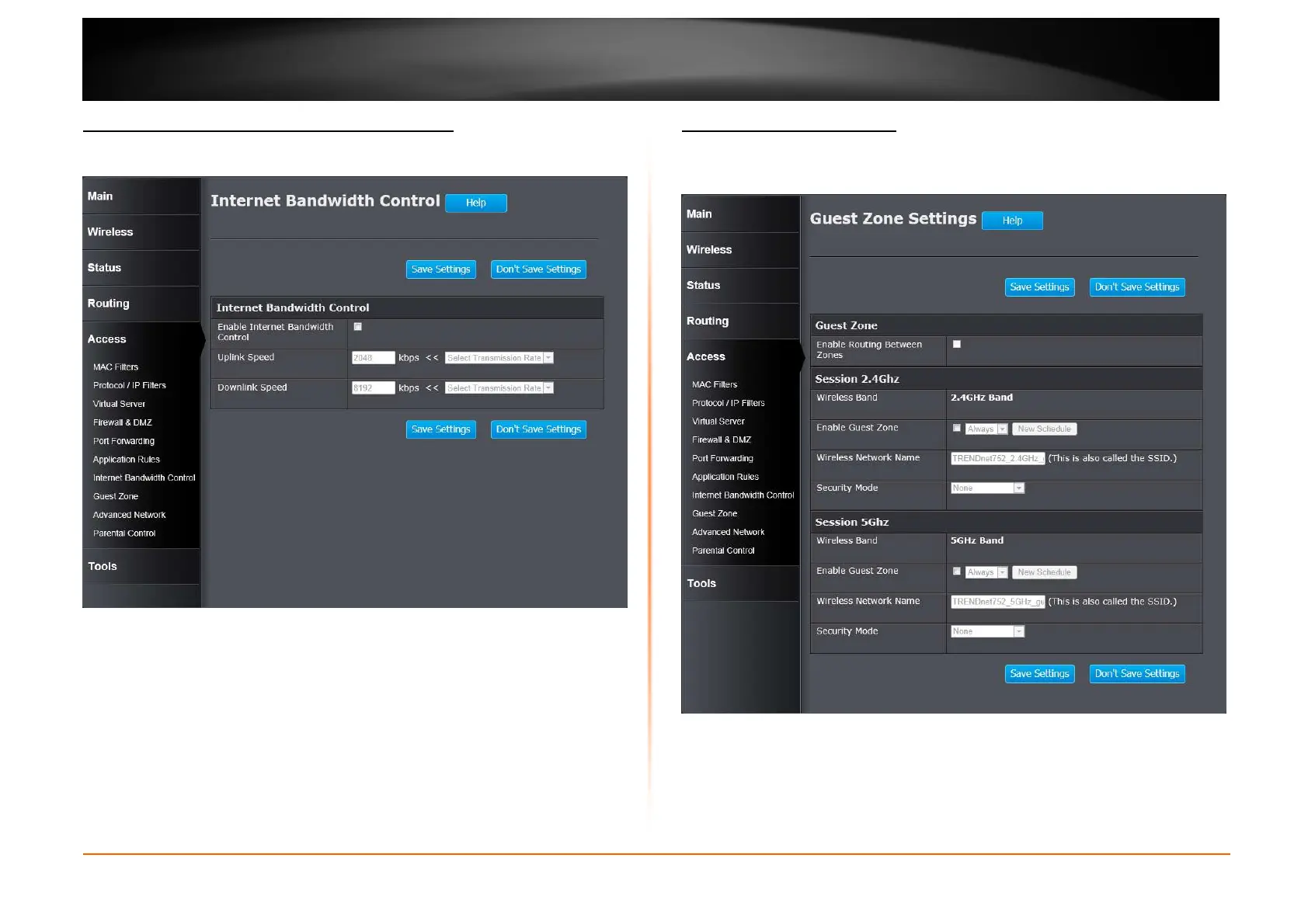
Access > Internet Bandwidth Control
This window is used to configure the Internet bandwidth control used by the
Router.
Enable Internet Bandwidth Control: Tick the check box to enable the Internet
bandwidth control.
Uplink Speed: Enter the uplink speed value or select a predefined uplink speed
option from the drop-down menu.
Download Speed: Enter the download speed value or select a predefined
download speed option from the drop-down menu.
Click the Save Settings button to accept the changes made.
Click the Don’t Save Settings button to discard the changes made.
Access > Guest Zone
This window allows you to create temporary zones that can be used by guests to
access the Internet. The guest zone will be separated from your main wireless
network.
Wireless Band: Displays the wireless band.
Enable Guest Zone: Tick the check box to enable the Guest Zone feature, and
use the drop-down menu to select the time schedule or click the New Schedule
button to create time schedules.
Wireless Network Name: Enter a wireless network name (SSID) that is different
from your main wireless network.















 To Next Page