© Copyright 2013 TRENDnet. All Rights Reserved.
TRENDnet User’s Guide
TEW752DRU
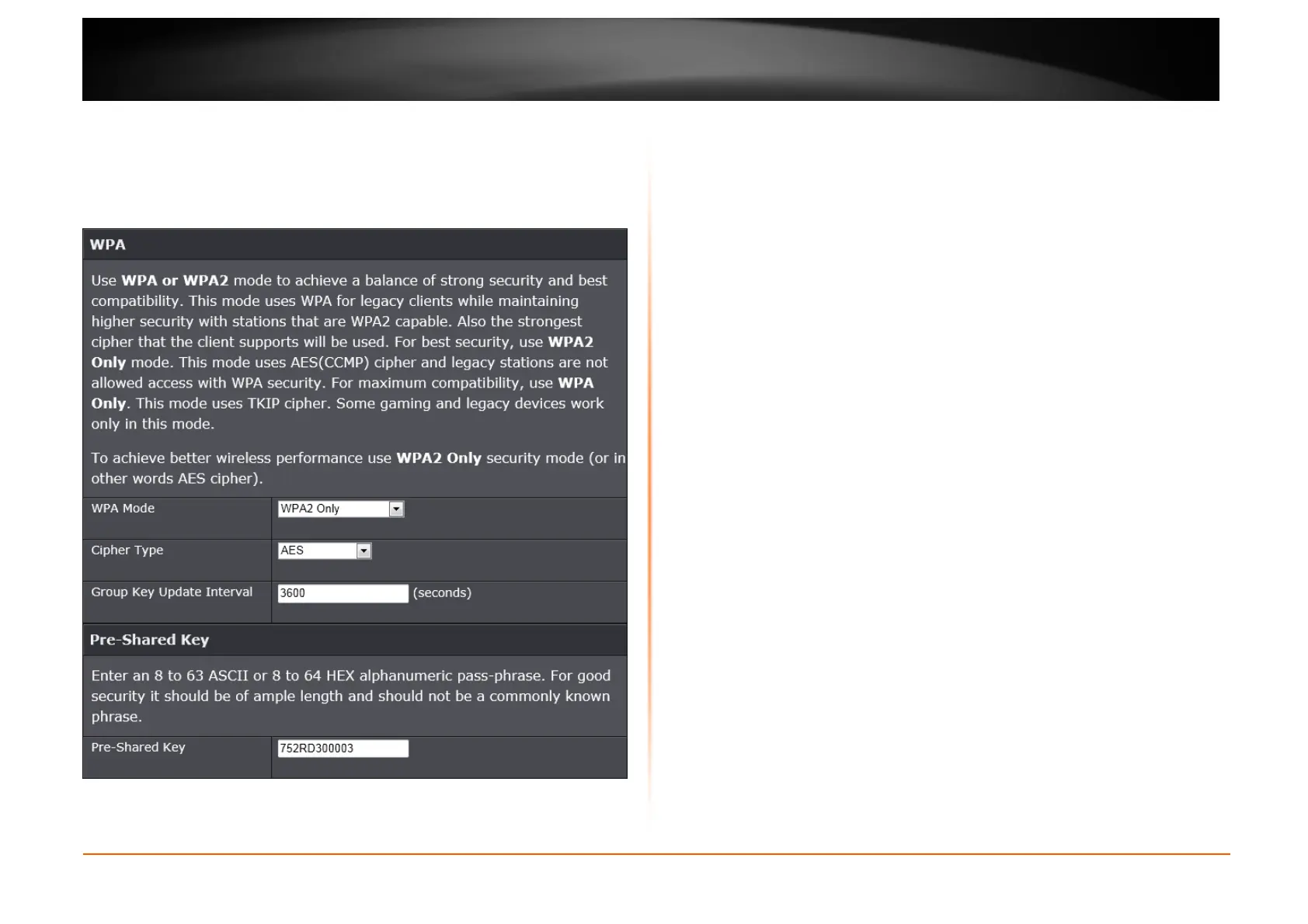
Wireless Security Mode – WPA-Personal
Wi-Fi Protected Access (WPA) is a more advanced wireless security method that
we can use to prevent unauthorized wireless access to this router. Wi-Fi
Protected Access (WPA2) is the most advanced wireless security method that
we can use to prevent unauthorized wireless access to this router.
WPA Personal does not require an authentication server.
WPA Mode: Select which WPA mode to use. Options to choose from are Auto
(WPA or WPA2), WPA2 Only, and WPA Only.
Cipher Type: Select the wireless cipher type here. Options to choose from are
TKIP and AES, TKIP, and AES.
Group Key Update Interval: Enter the group key update interval time in
seconds.
Pre-shared Key
Pre-shared Key: Enter the WPA-Personal wireless Pre-Shared Key (Wi-Fi Key)
that can be found on the label at the bottom of the Router. This key must be
configured on all the wireless clients for them to be able to connect to your
wireless network.















 To Next Page