Below is a reference of the additional VLAN settings if you choose to make other
configuration changes to these sections.
VID – The VLAN ID assigned to a specific VLAN.
Ports 1-8 – Configure port VLAN membership settings.
o Untagged – Default setting. Sets port membership as untagged and
allows connectivity to network devices such as computers. The router
will use the internal port VLAN ID (PVID) to forward VLAN traffic
accordingly to these ports based on their untagged VLAN membership.
o Tagged – Sets port membership as tagged and used for VLAN tag or
trunk links to other VLAN aware devices such as managed switches or
access points.
o Off – Removes port membership from a specific VLAN.
Inter VLAN Routing – Allows communication between local network
interfaces/IP subnets such as the LAN and VLAN interfaces.
IP Address/Subnet Mask – The IP address and subnet mask assigned to a
specific VLAN interface.
Mode – Configures the DHCP server settings for a specific VLAN interface.
o Disabled – Disables DHCP on a specific VLAN interface.
o Enabled – Enables the internal DHCP server on a specific VLAN
interface. Allows you to set the IP address range/pool, lease time,
WINS/DNS servers, and local domain name for the DHCP server.
o Relay – Enables DHCP relay on a specific VLAN interface and forwards
DHCP requests on the VLAN interface to an external DHCP server IP
address (e.g. 192.168.50.20).
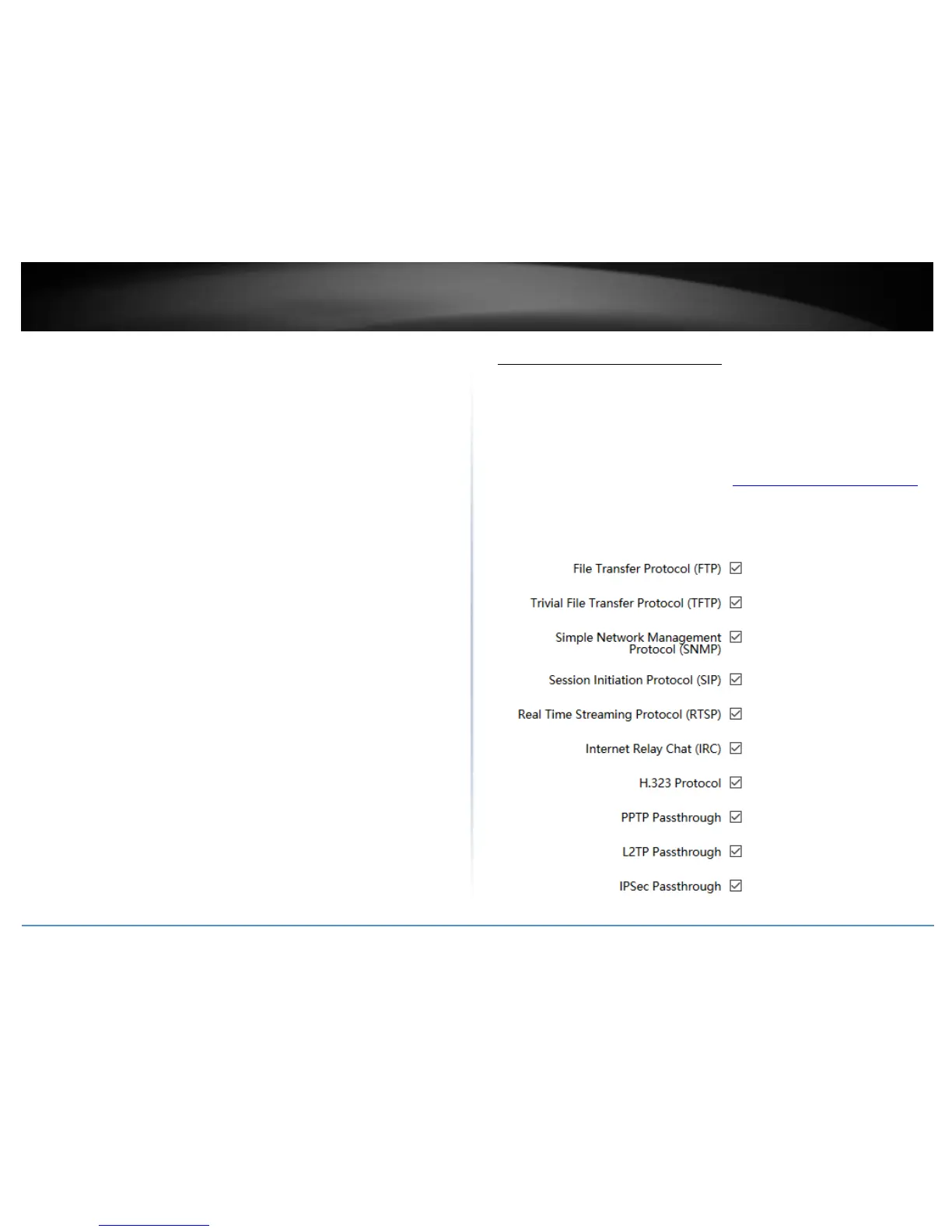
Application layer gateway (ALG)
Network > ALG
You may want to configure your router to allow computers the use of specific high layer
applications or service sessions to pass through. Application Layer Gateways (ALG)
allows you to easily enable or disable these applications to pass through your router.
Note: It is recommended to leave these settings enabled.
1. Log into your router management page (see “Access your router management page”
on page 8).
2. Click on Network and click on ALG.
3. Review the applications. Click Apply to save and commit the changes.















 To Next Page