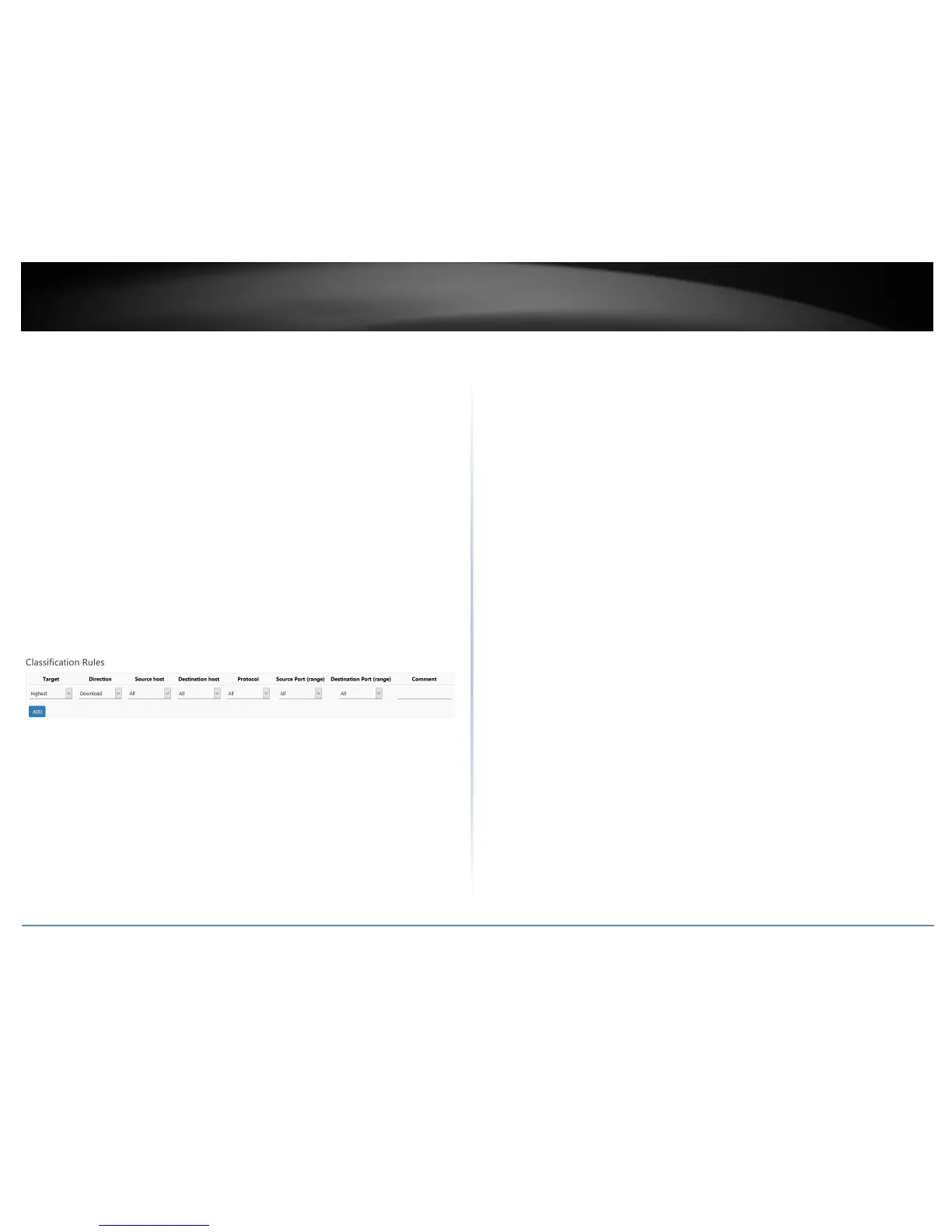
Classification Rules
Click Add to create a new QoS classification rule. When complete, click Apply to save
and commit your changes.
Target – Select the QoS priority class to apply to the rule.
Direction – Select the direction of traffic in which to apply the QoS
classification, Download (Inbound Traffic) or Upload (Outbound Traffic).
Source Host – Click the drop-down list to select All (any IP address), a specific
source host IP address from the list or select Custom to define a particular
source IP address not listed.
Destination Host– Click the drop-down list to select All (any IP address), a
specific destination host IP address from the list or select Custom to define a
particular destination IP address not listed.
Protocol – Click the drop-down to select the type of traffic to apply the QoS
classification rule. All/TCP/UDP/ICMP or custom to specify a particular protocol
not listed.
Source Port (range) – Enter the source port or source port range to apply the
QoS classification rule.
Destination Port (range) – Enter the source port or source port range to apply
the QoS classification rule.















 To Next Page