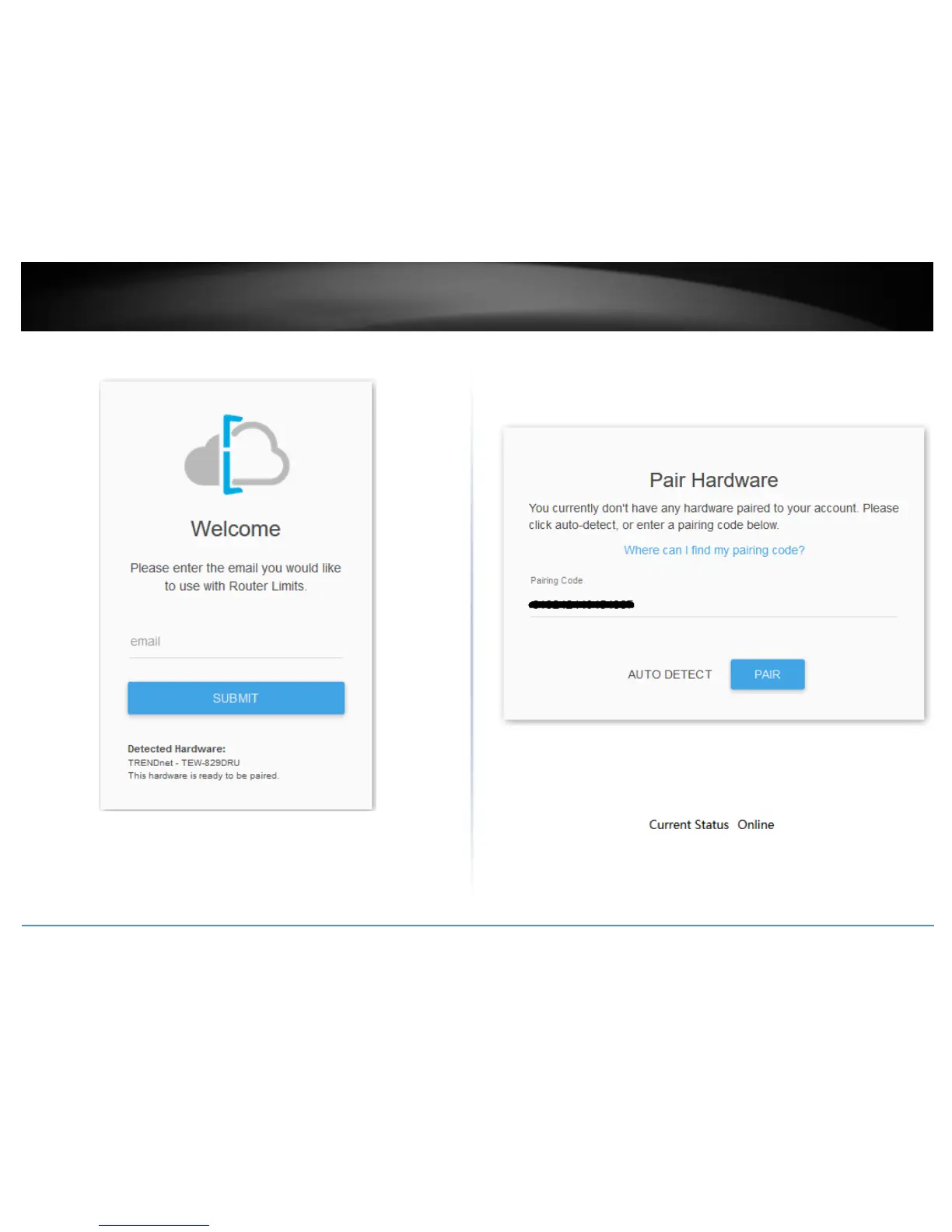
5. At the welcome page, enter your email address to use for account creation and sign
up and click Submit. Follow the remaining steps to create your Router Limits account.
6. At the pair hardware page, the pairing code displayed should match the pairing code
displayed in your router management page. If the pairing code does not match, you can
click Auto Detect to automatically copy the router pairing code into the field or you can
manually enter the correct pairing code. After you have verified the correct pairing code
is entered, click Pair.
7. After your Router Limits account has been created and your router paired, you will
automatically be brought to your web management dashboard. The Current Status on
your router will display Online that the content management service is running and
paired with your online account.















 To Next Page