© Copyright 2014 TRENDnet. All Rights Reserved.
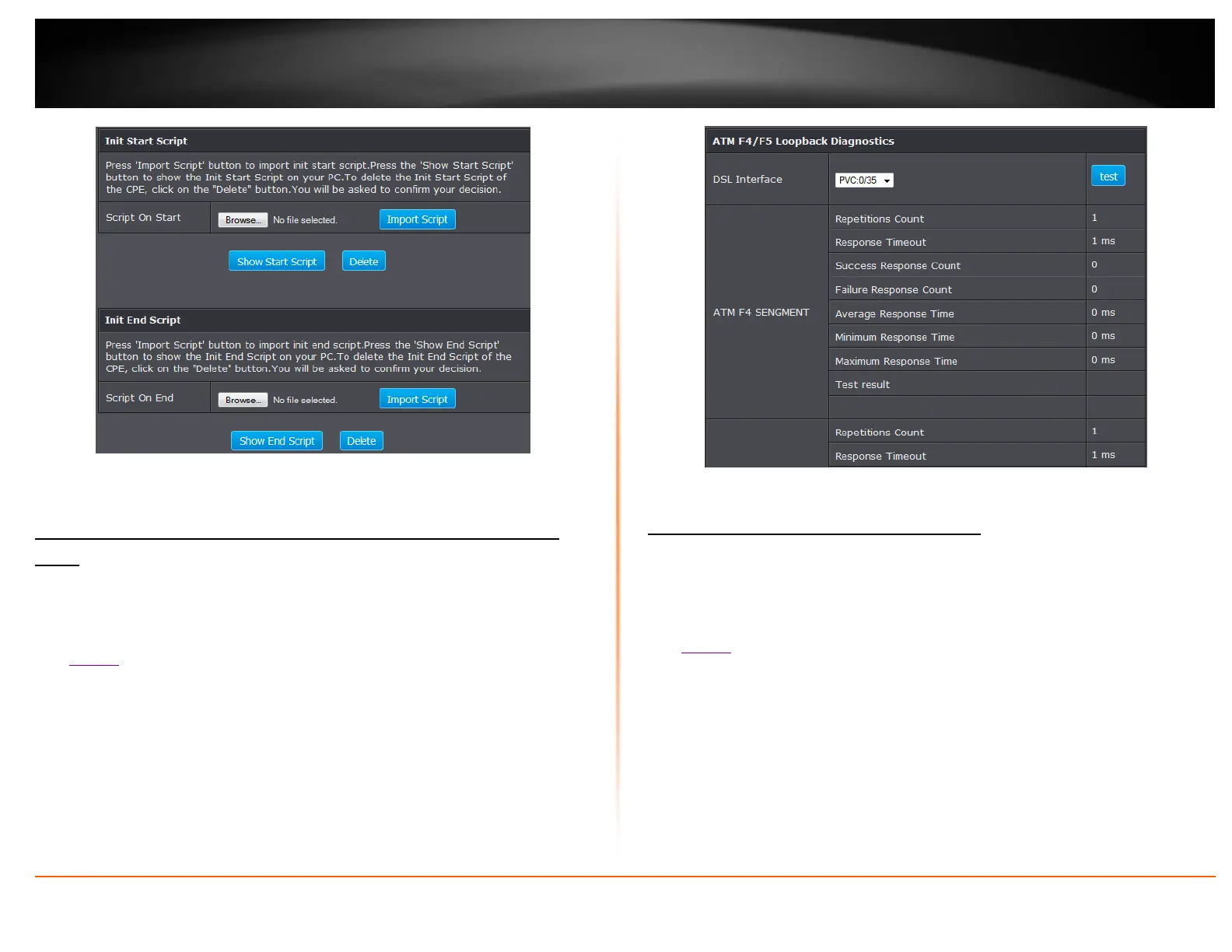
5. To show scripts on your computer click Show script. Press Delete to remove script.
Check Internet connectivity using the router management
page
Maintenance > Diagnostic
This page allows you to test the connectivity of the physical and protocol layers on the
WAN side.
1. Log into your router management page (see “Access your router management page”
on page 22).
2. Click on Maintenance, and click on Diagnostic.
3. Select your DSL interface and click test.
Check the router system information
Status > Summary
You may want to check the system information of your router such as WAN (Internet)
connectivity, wireless and wired network settings, and router MAC address information.
1. Log into your router management page (see “Access your router management page”
on page 22).
2. Click on Status.
3. Review the device information.














 To Next Page