- 14 -
Using the Storage Server
Configuring a Fixed IP Address
When you connect your computer to the storage server directly to
configure the storage server, you need to check the computer’s IP
address, and set up the IP address within the storage server’s IP
address range.
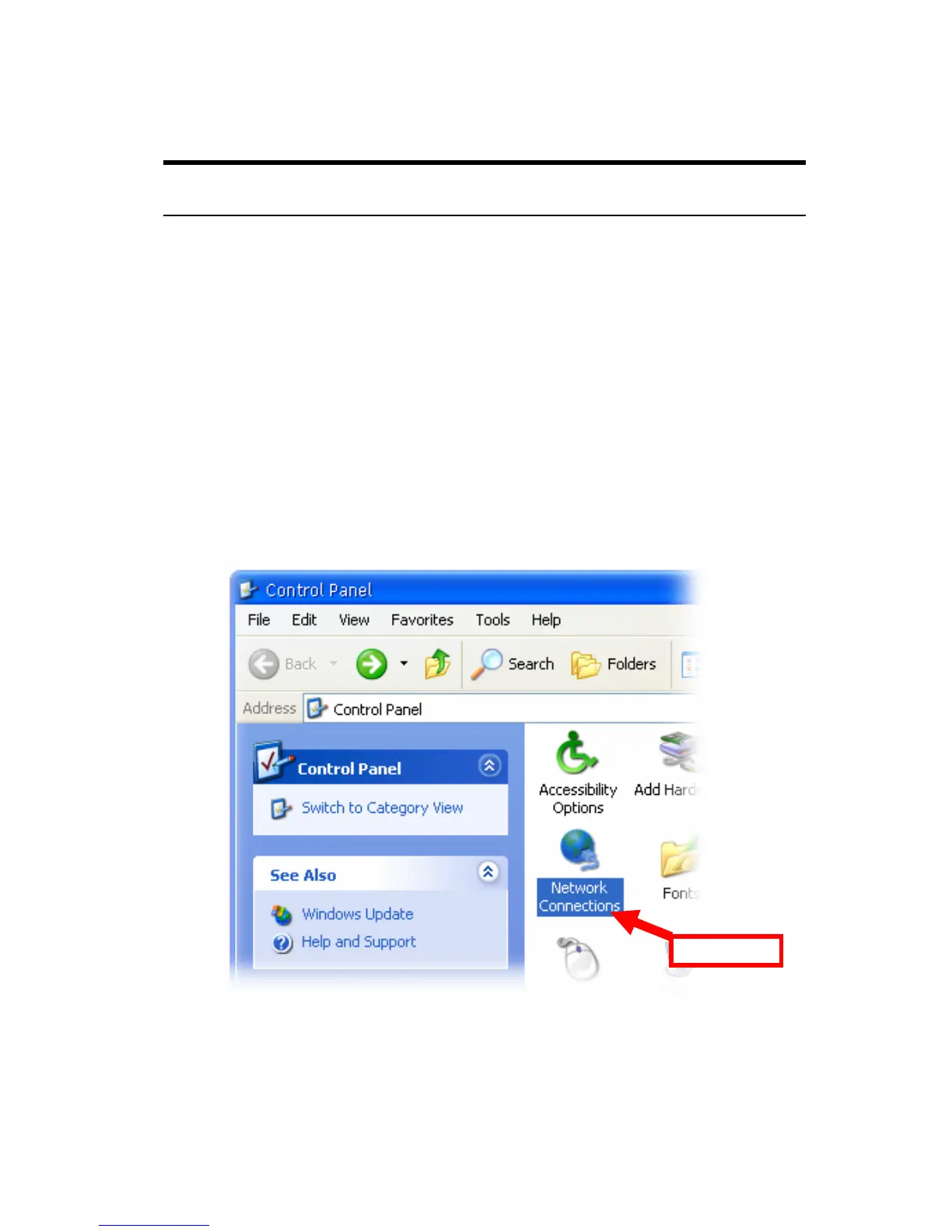
1. Click Start and choose Control Panel to open the Control Panel
window.
2. Double-click the Network Connection icon to open the Network
Connection window.
Double-click



 To Next Page