- 37 -
4
DOWNLOAD FILES THROUGH
STORAGE SERVER
Entering Download Page
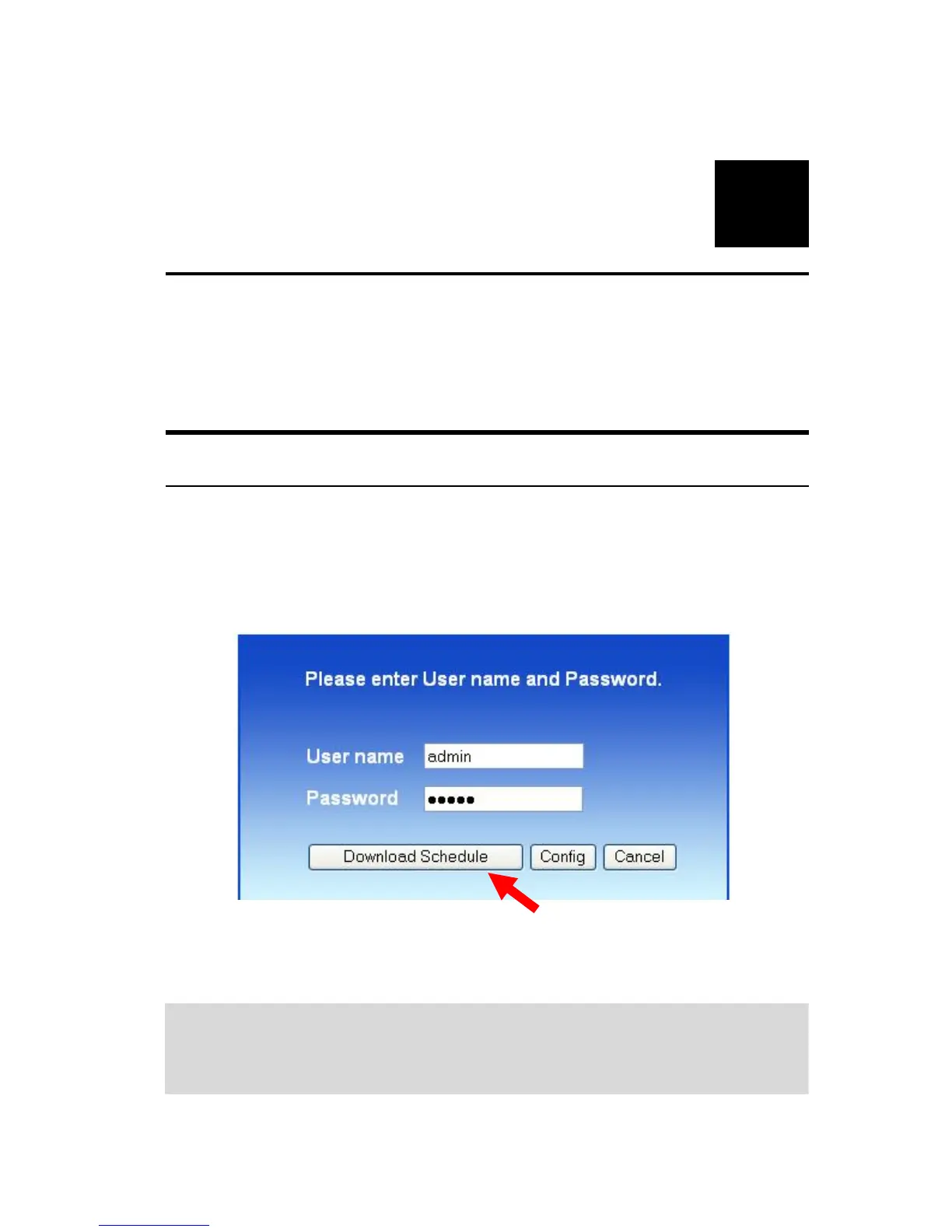
1. If you are in the configuration mode, click Logout to exit the web
configuration utility, and re-login the utility’s download page by
clicking the Download Schedule button on the login dialog box.
NOTE: If the administrator has added users of the file server, the
users can login the Download page with their user name and
password.



 To Next Page