- 32 -
Advanced
J
FTP Server
The FTP server submenu contains the options that allow you to
enable/disable the FTP service of the storage server, as well as the
relative FTP settings.
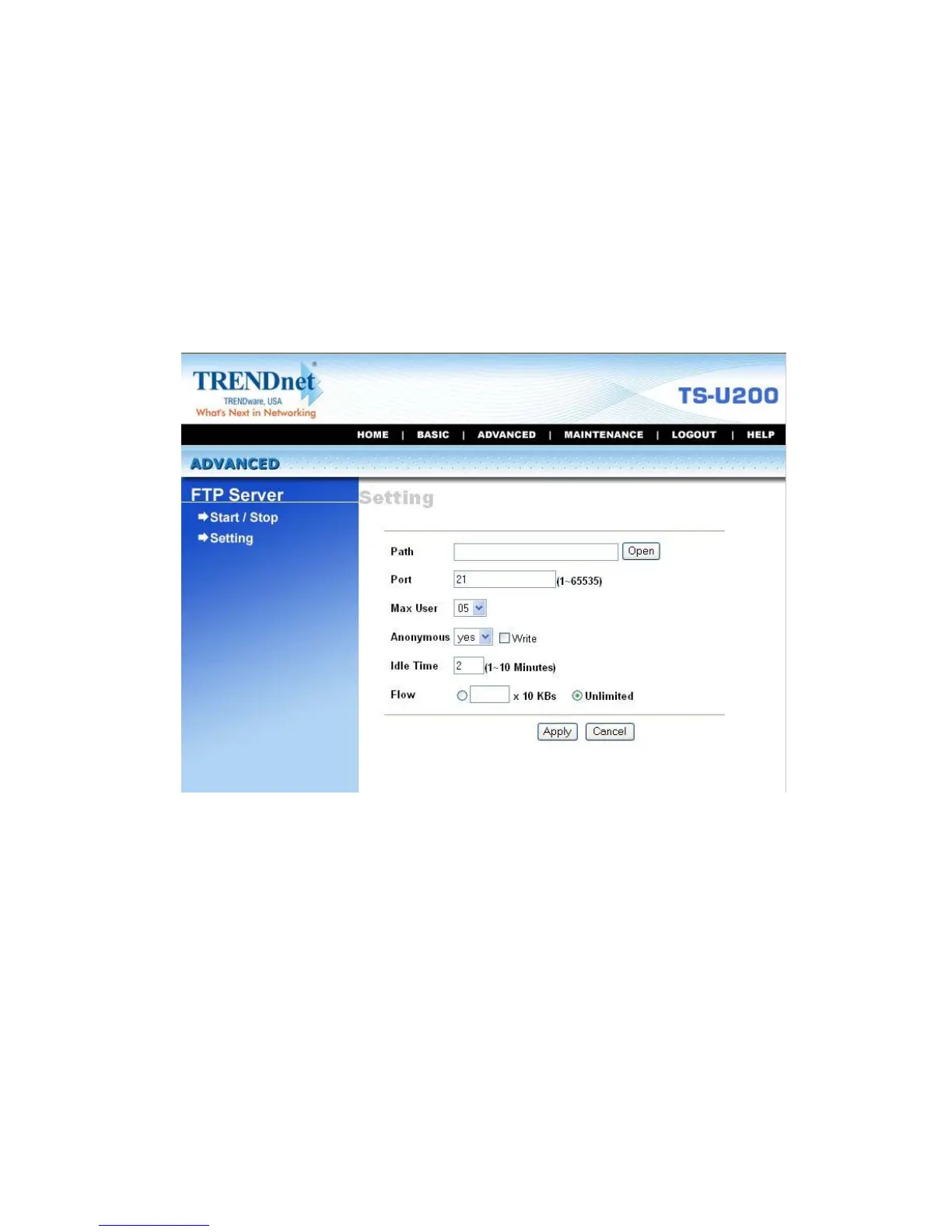
Advanced Menu – FTP Server (Setting)
z Start/Stop: This field displays the general information of the
FTP Server settings on your storage server.
z Setting: This option contains the relative FTP server settings.
- Path: Choose a destination for your FTP server.
- Port: Assign a port (1~65535).



 To Next Page