- 34 -
Configuration - Maintenance
The Maintenance menu contains two submenus: Firmware upload
and Configuration.
Maintenance
J
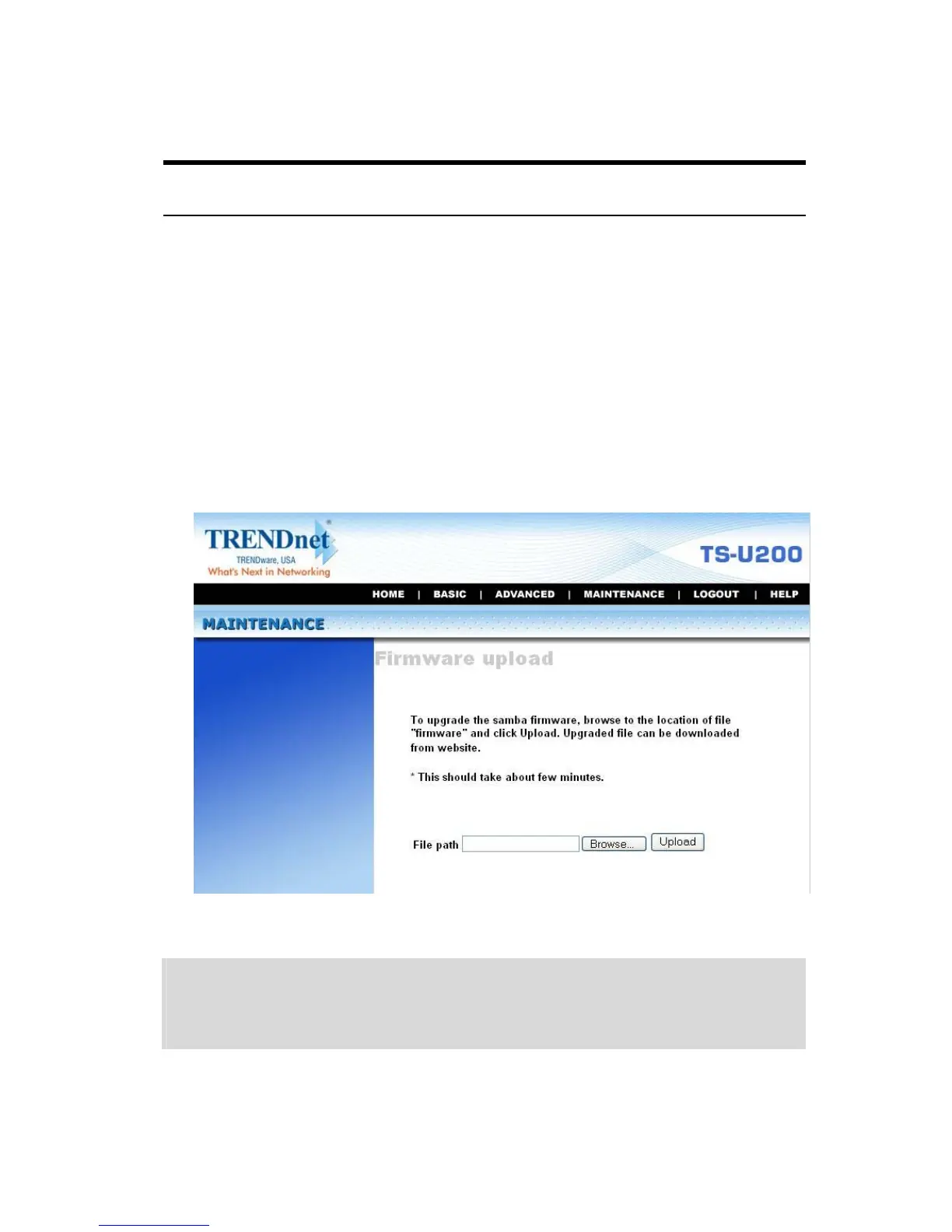
Firmware Upload
The Firmware upload submenu allows you to update the firmware of
your storage server once you obtained a latest version of firmware.
Click Browse to point to the firmware file, and then click Upload.
Maintenance Menu – Firmware Upload
NOTE: There is some risk when you are upgrading firmware, such
as power failure. Always confirm that the file server is powered
on during the procedure.



 To Next Page