- 19 -
Run Utility - Easy Search
To access and manage the Storage Server easily, the conveniently
utility called Easy Search is provided in the Installation CD-ROM
under Run Utility. Easy Search is a tool that allows you to set up
the storage server’s connection.
To Run Utility
1. Insert the Installation CD-ROM into your computer’s CD-ROM
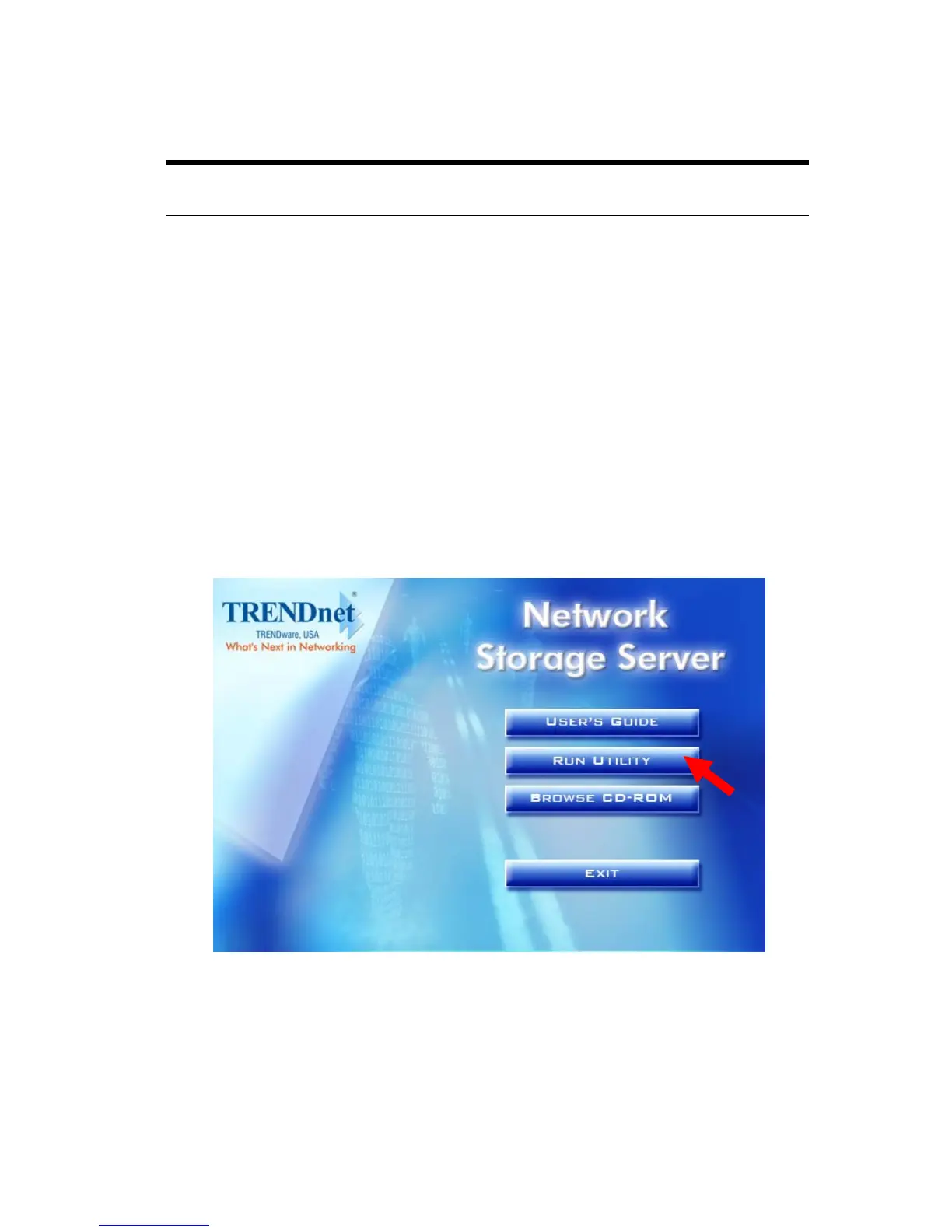
drive to initiate the Auto-Run program. Click RUN UTILITY.
The easy_search.exe will show on your desktop.
Autorun Screen of Installation CD-ROM



 To Next Page