- 18 -
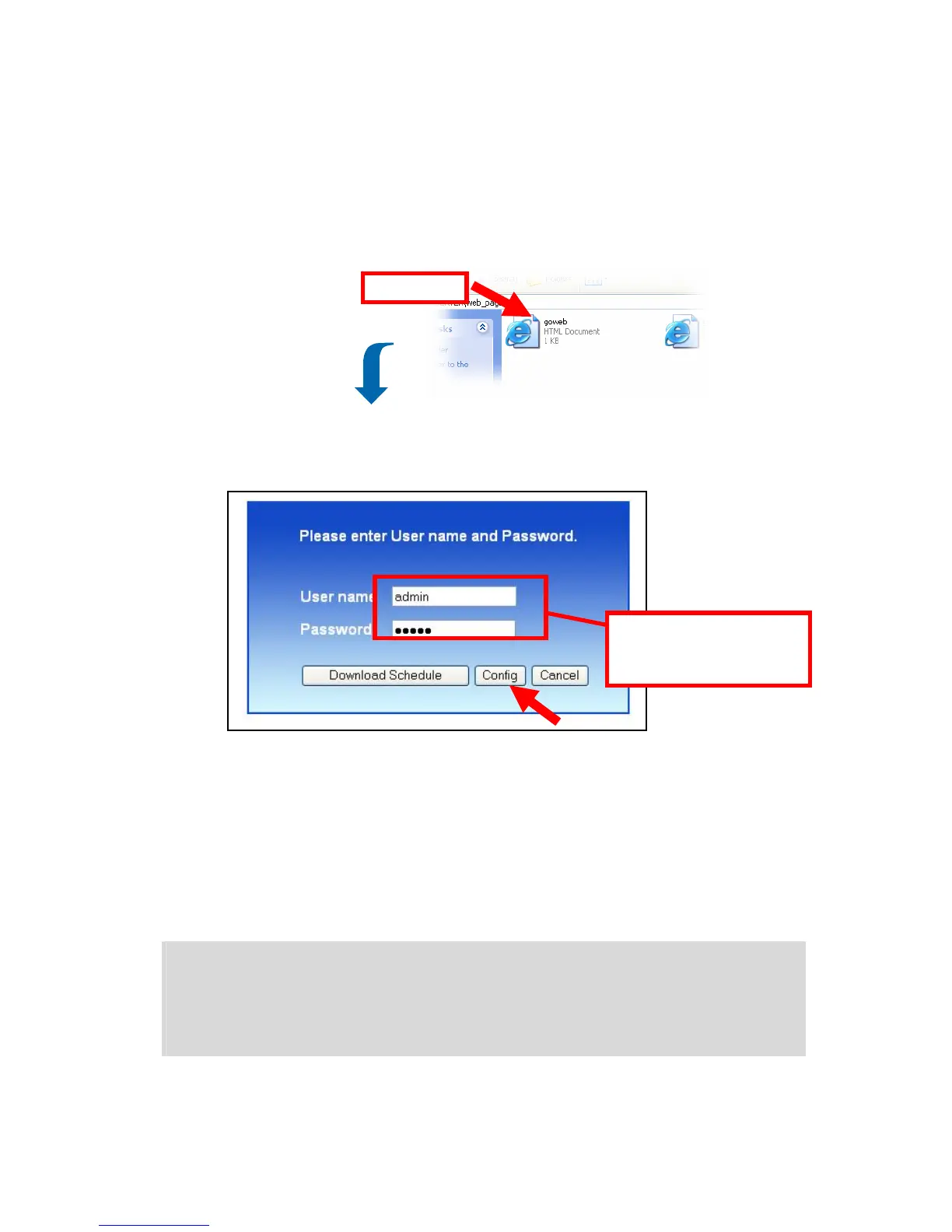
3. Double-click the web_page shared folder, and then double-click
the goweb.htm item to launch your web browser and enter the
web configuration utility. The login window will show as below.
Login Window of Web Configuration Utility
To enter the configuration utility, type admin in User name box
and admin in Password box, and then click the Config button.
Tip: Clicking the Download schedule button allows you to enter
the Download page.
Tip: Administrator password can be changed in web configuration
Advance menu under Modify User submenu
Double-click
Enter the User name and
password, and select one
option to proceed.



 To Next Page