- 38 -
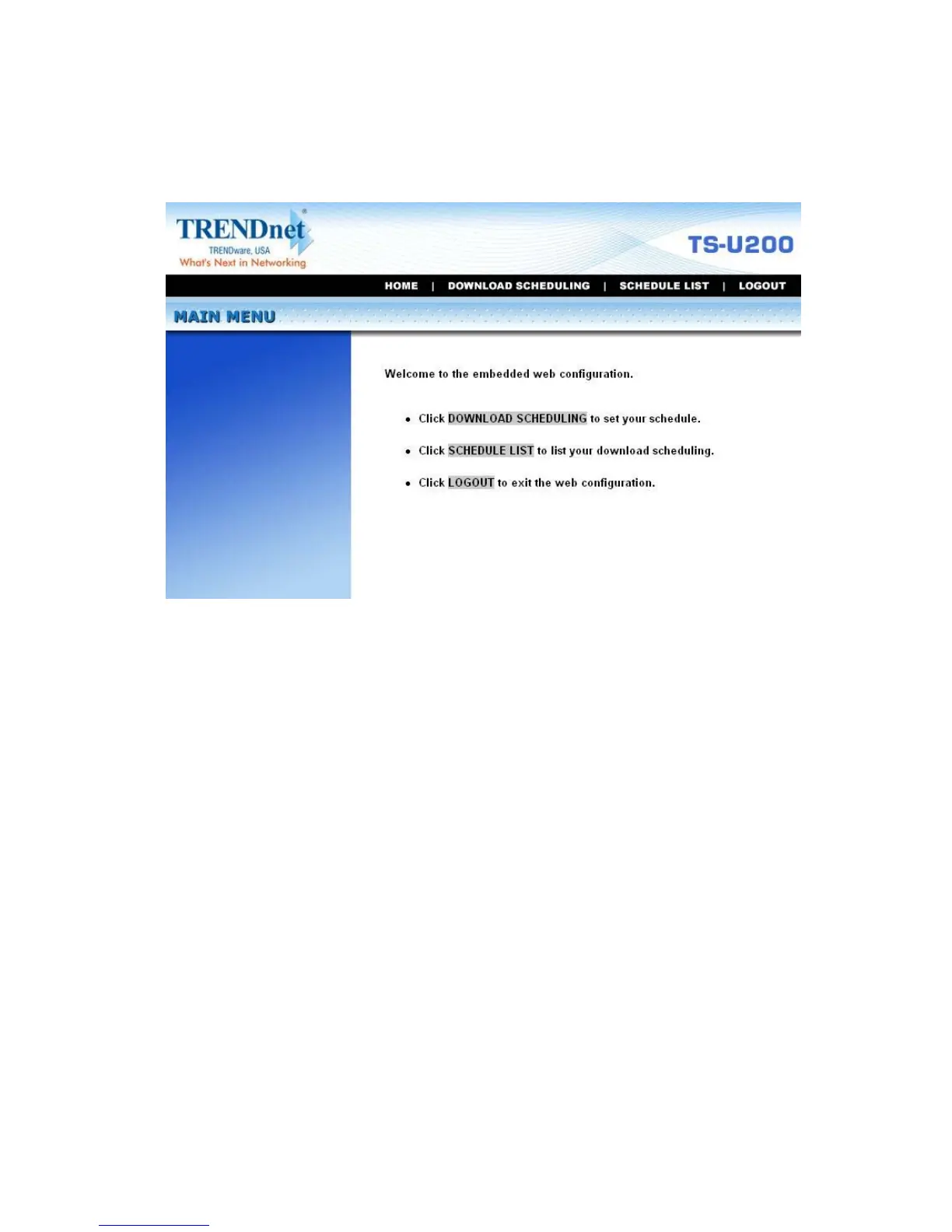
2. The Main menu of Download page will display as below.
z Home – main screen of the download page, providing the
brief instructions of the buttons on menu bar.
z Download Scheduling – clicks to set up your download
schedule.
z Schedule List – contains the information of scheduled
download tasks.
z Logout – clicks to exit the download page.



 To Next Page