- 16 -
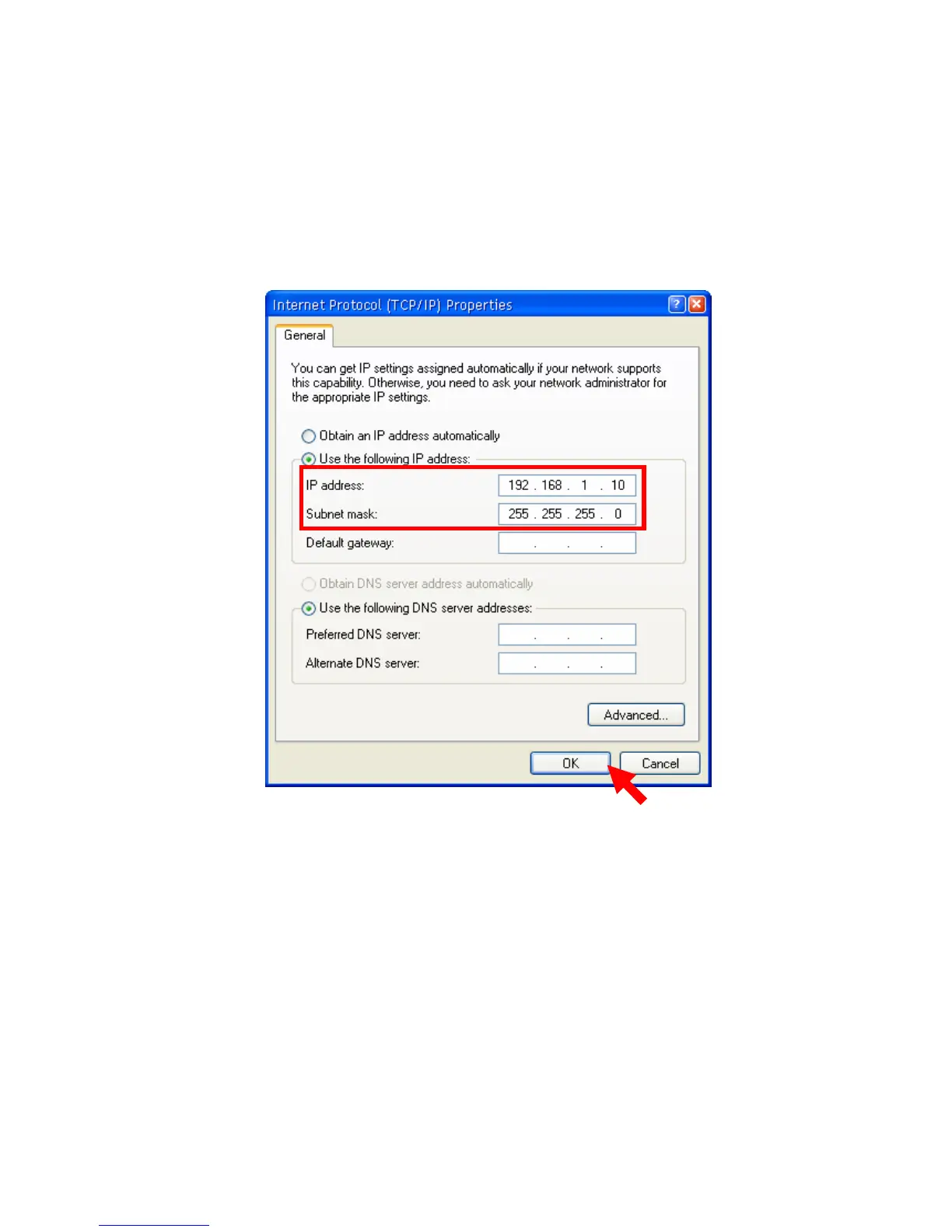
5. To configure a fixed IP address, check the “Use the following IP
address” option. Then, enter an IP address into the empty field.
Suggested IP Address is 192.168.1.x (x is 3~254), and suggested
Subnet Mask is 255.255.255.0.
6. Click OK to complete the configuration.



 To Next Page