- 40 -
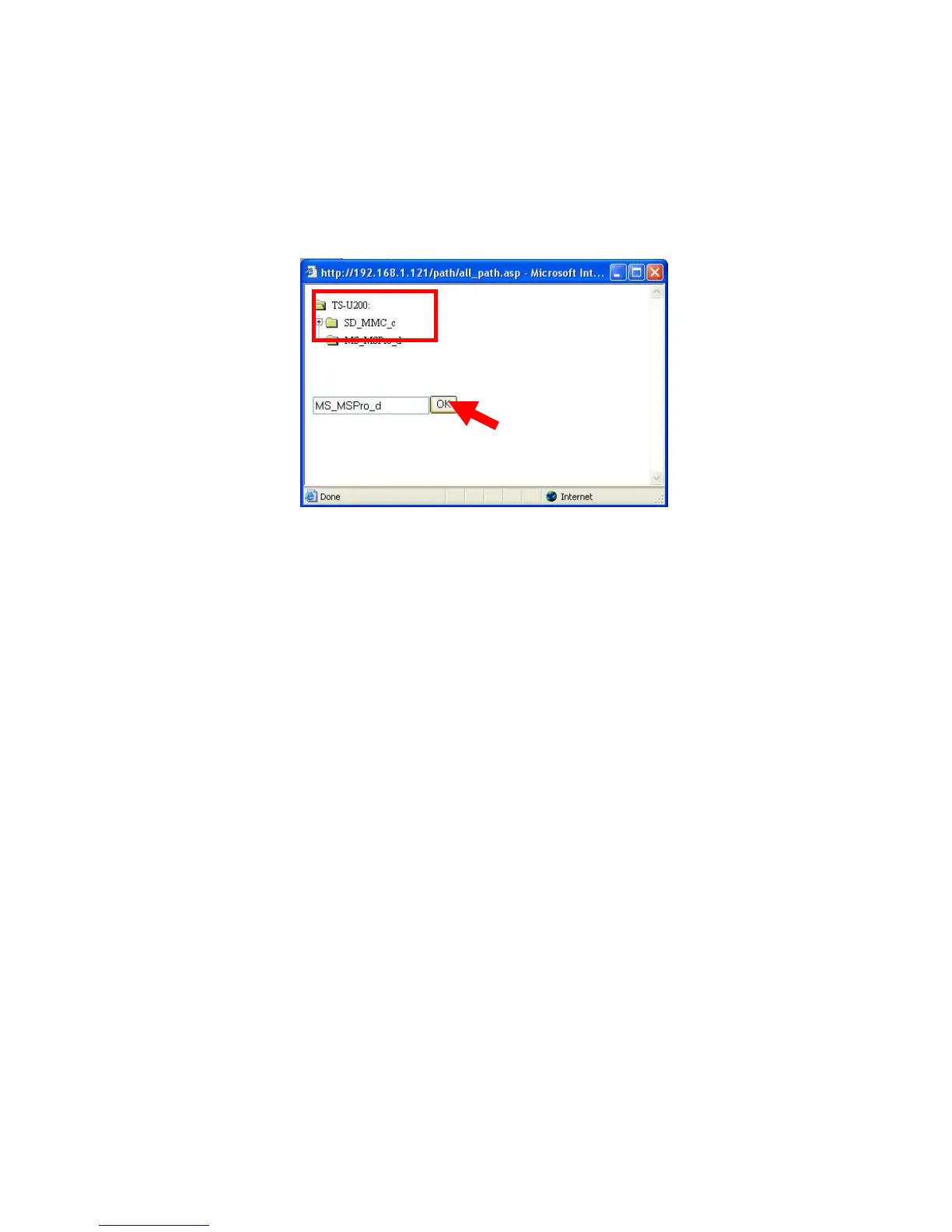
z Save to: Click open to bring up the following window that
allows you to assign the destination folder to save the
downloaded files. When completed, click OK.
z When: You have to set up the start-up time to download files
from the pull-down menu of the Date and Time options.
z Option: When the downloaded files have the same filename as
the files in the destination folder, checking the Overwrite option
will overwrite the old file in the folder.
z Backup: You can enable/disable the backup function of your file
server by selecting None/Every Day/Every Week/Every Month.
Or, you can setup the function to backup the different file only
when local backup.
When completed, click Apply to save this download task to the
Schedule List.



 To Next Page