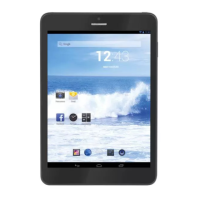
TAB 7 C4
21
TAB 7 C4
GETTING STARTED
Turning the Tablet on or off
Toturnthetableton:
PressandholdthePowerkeyuntiltheLCDscreenturnson.WaituntiltheHomescreen
appears;thetabletisnowreadyforuse.
Toturnthetabletoff:
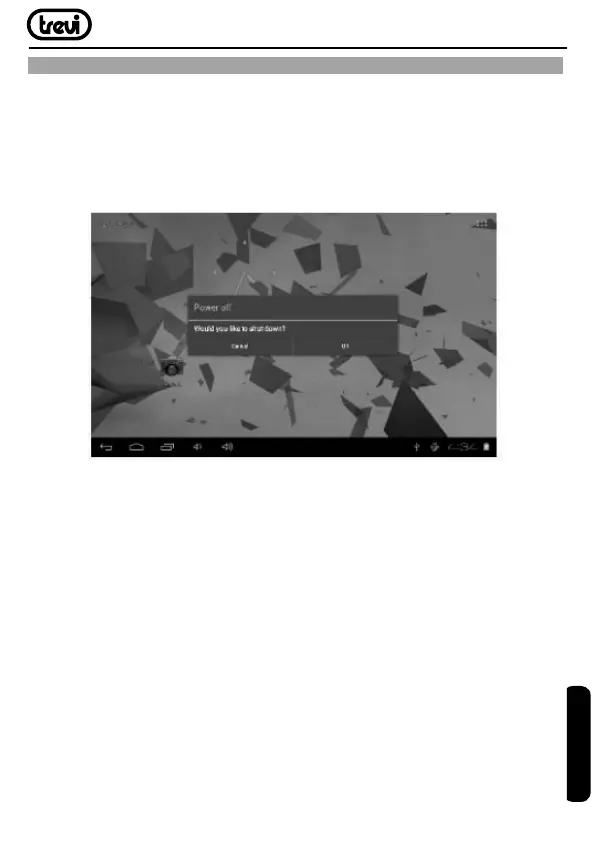
1.PressandholdthePowerkeyuntiltheDeviceOptionsmenuappears.
2. Touch ok the screen to turn off the tablet.
Turning the Screen On or off (Standby)
Whenthetabletison,youcanturnoffthescreentoconservebatterypower.Simplypress
thePowerkeyoncetoturnthescreenoff.PressthePowerkeyagaintoturnthescreen
back on.
Note:Toconservebatterypower,thescreencanbesettoturnoffautomaticallywhenthetablet
isnotinuse(between1minuteand30minutes).ThisScreentimeoutoptioncanbefound
in the Display menu.
Unlocking the Screen
Whenthescreenturnsoff,youwillhavetounlockthescreenwhenyouturnitbackon.
Tounlockthescreen,dragthelockiconacrossthescreentowardsthelockicon.
ENGLISH


 To Next Page