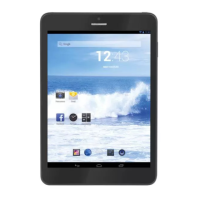
TAB 7 C4
23
TAB 7 C4
Preinstalled Applications
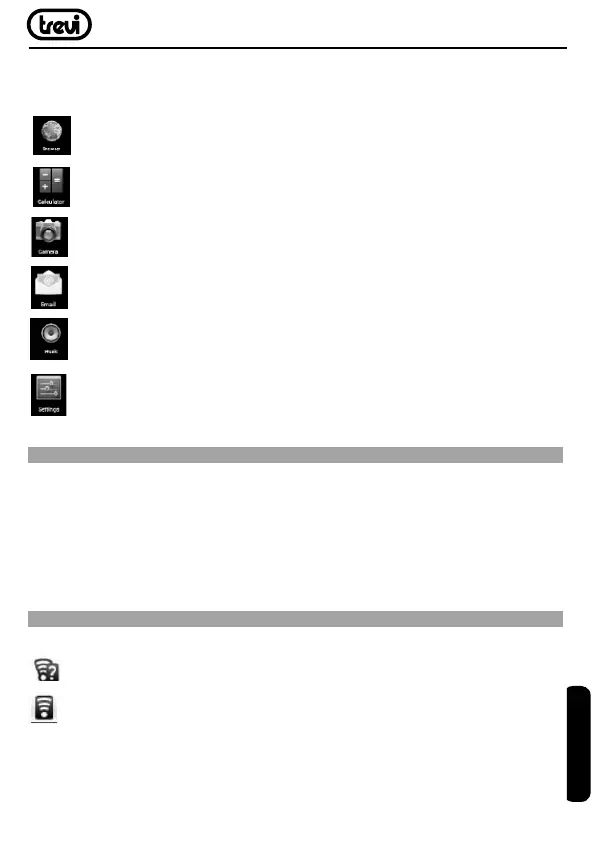
Some applications have been installed on your tablet for your convenience.
Theseapplicationsinclude:
Browsetheweb.
Perform simple mathematical operations.
Takepicturesorvideoswiththefrontfacingcamera.
Check your e-mail.
Play music.
Access the Settings menu to adjust the tablet’s options.
PREINSTALLED APPLICATIONS
Installing Applications
Youcanalsodownloadaninstalladditionalapplicationsfromthedevice’sapplications
marketplace,thewebbrowser,orothersources.
Thetabletmustbesettoallowinstallationofapplicationsfromnon-Marketsources.The
UnknownsourcesoptioncanbesetintheApplicationsettingsmenu.
CONNECT TO A WI-FI NETWORK
The Notification bar displays icons that indicate your tablet’s Wi-Fi status.
NotificationthatanopenWi-Finetworkisinrange.
ConnectedtoaWi-Finetwork(wavesindicateconnectionstrength).
[noicon]TherearenoWi-Finetworksinrange,ortheWi-Firadioisoff.
1. TurnontheWi-Firadioifitisnotalreadyon.ToturnonWi-Fi:
ENGLISH


 To Next Page