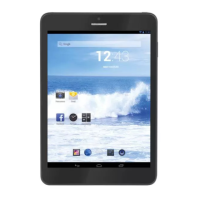
TAB 7 C4
26
SETTING
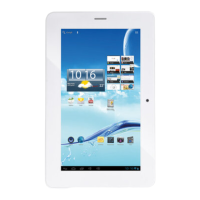
Tap the “Settings” icon to go to settings.
Youcancheckandsetwirelessnetworks,sound,display,storage,Battery,Accounts&sync,
security, language, date time, about tablet, etc.
Wi-Fi
Tap“Settings”•“Wireless&networks”toturnonwifiandscan.ItwillshowalistofWi-Fi
networksscannedinrange.ChooseastrongWi-Finetworktoconnect.(Youmayneed
toinputthepassword).
ENGLISH


 To Next Page