Seite 28 von 72
On-Screen-Display
With the menu in the user interface, you can adjust individual settings
of your receiver. This requires the receiver and TV set is switched on
and a connected via a cable (e.g. HDMI)
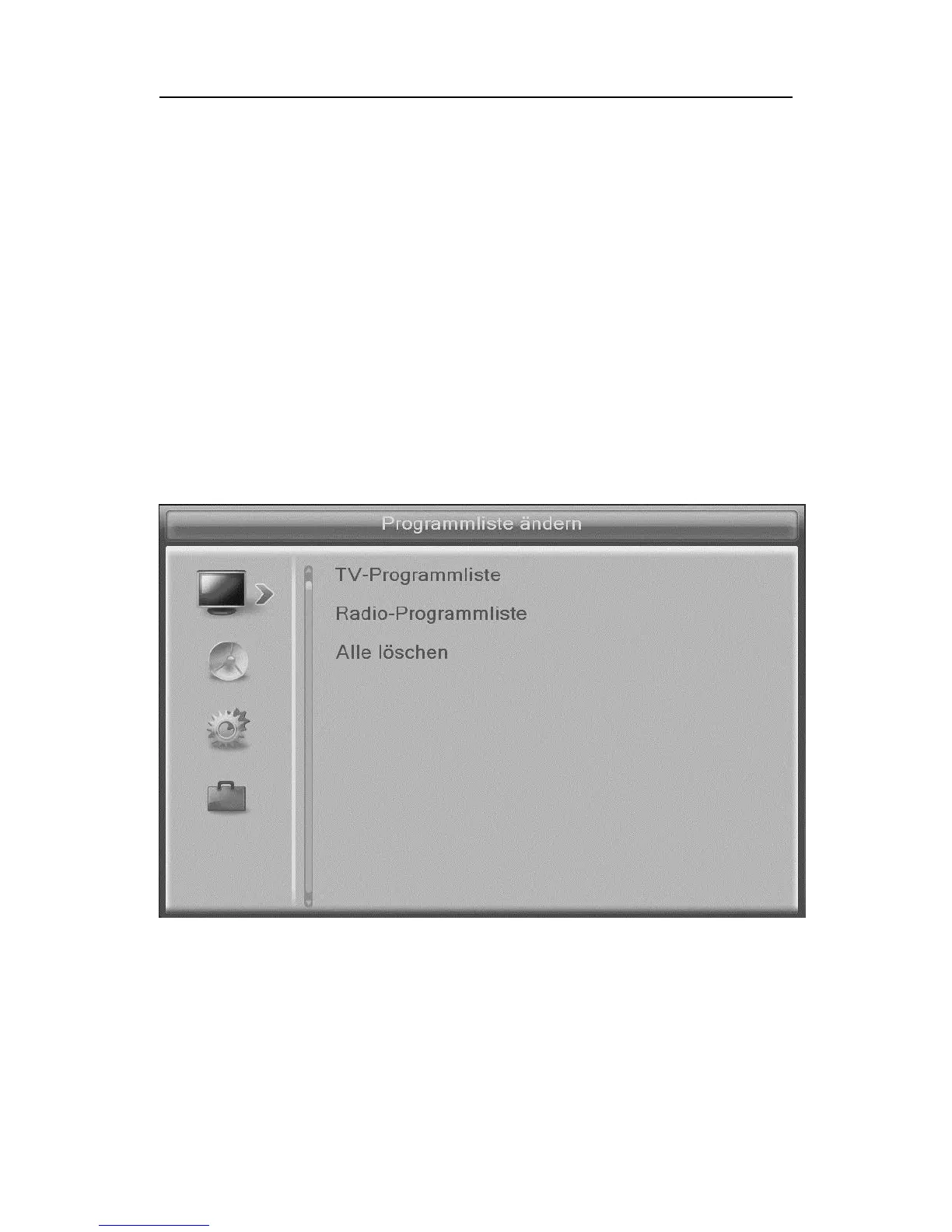
Press the "MENU" button. The main menu is displayed. Use the
"BACK" button or you press "MENU" button to exit this menu again..
To orient yourself within the menu
Top: Menu name
left: Menu symbols
middle: Sub menu items



 To Next Page