Seite 37 von 72
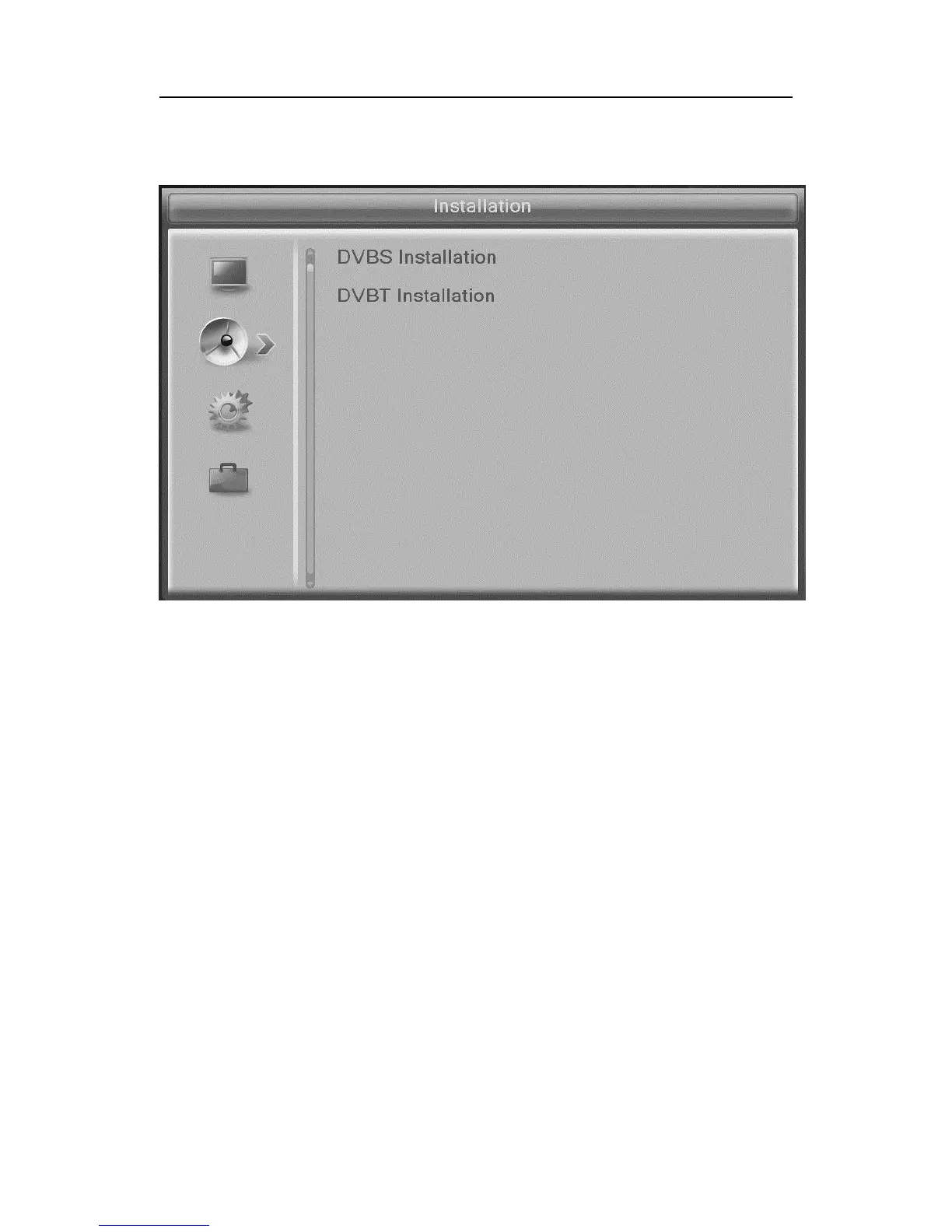
Installation DVB-S (Symbol: Sat-Antenna)
• Antenna setting
Here you can specify whether you want a fixed antenna
or an antenna with a rotary motor connected to the receiver
have connected.
• Satellite list
The list of all known satellites is shown. Now you can activate or deac-
tivate by pressing the OK button the desired satellite The activation is
represented by a heart symbol.
Change (red button): Editing of the satellite name and posi-
tion. Important for antenna rotator.
New (green button): Manual addition of satellites.
Erase (blue button): Erase a satellite and its channels


 To Next Page