Seite 33 von 72
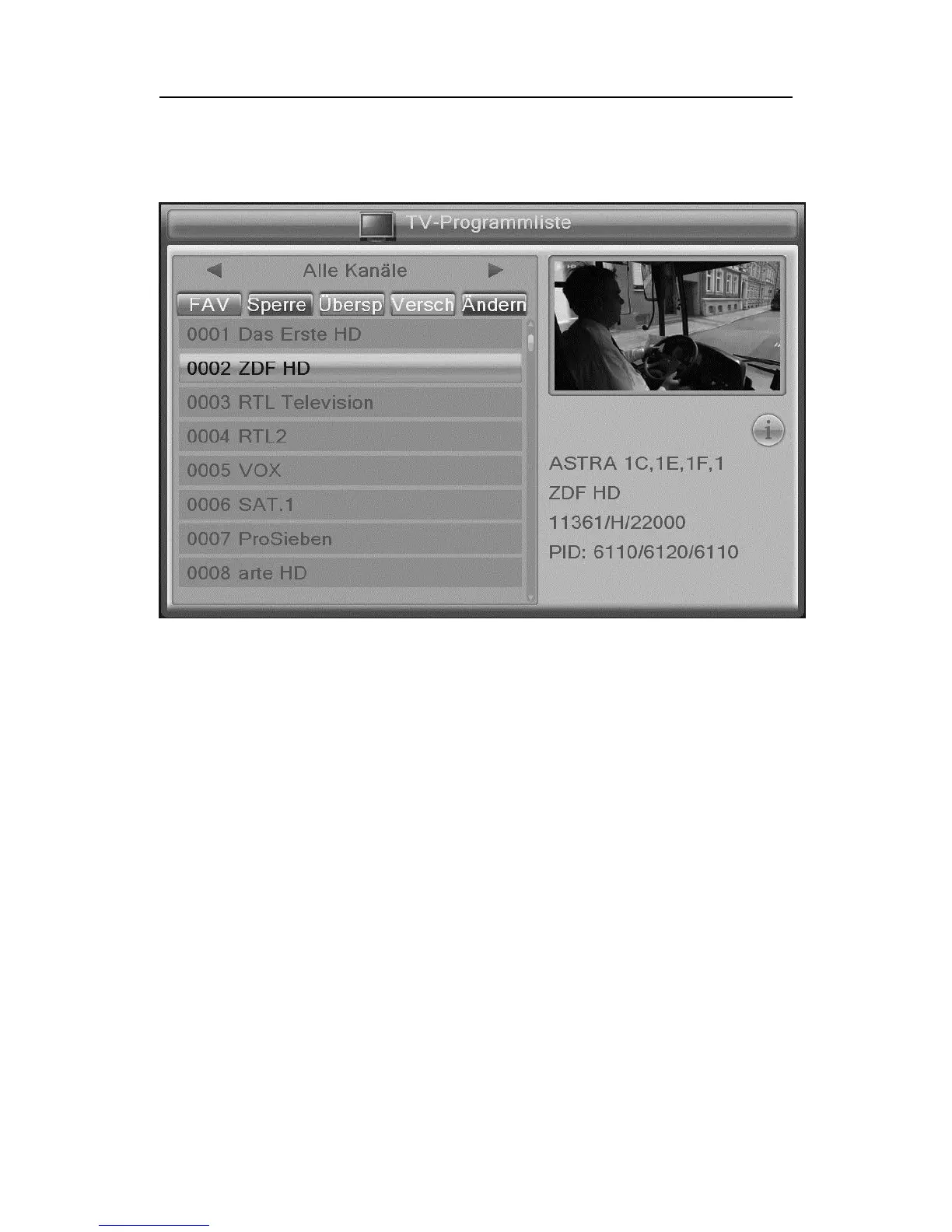
• TV- Channel list
The channel you want to change is highlighted with a yellow bar.
The editing options on the following 5 keys can be activated
1. FAV:
FAV button on the remote control. The "FAV" is raised and thus ena-
bled. Select the desired program, which is to be assigned to a favor-
ites list and confirm by pressing the OK button. Now arrange
the selected program to the desired favorite list and press the OK
button again. The Favorites group is now marked with a tick. Leave
the selection of the favorite groups with the BACK button. The pro-
gram is now marked with a heart symbol. Press the FAV button to turn
it off. When leaving the menu with the back button, confirm the prompt
to save your favorites.
2. Lock:
Press the red key on the remote control. The "lock" is raised and has
been activated. Select the desired program, which should be marked
for blocking, and then press the OK button. After entering the PIN, the
current program will be marked with a lock. You can now select addi-
tional programs and select by pressing the OK button to lock. Press



 To Next Page