Seite 35 von 72
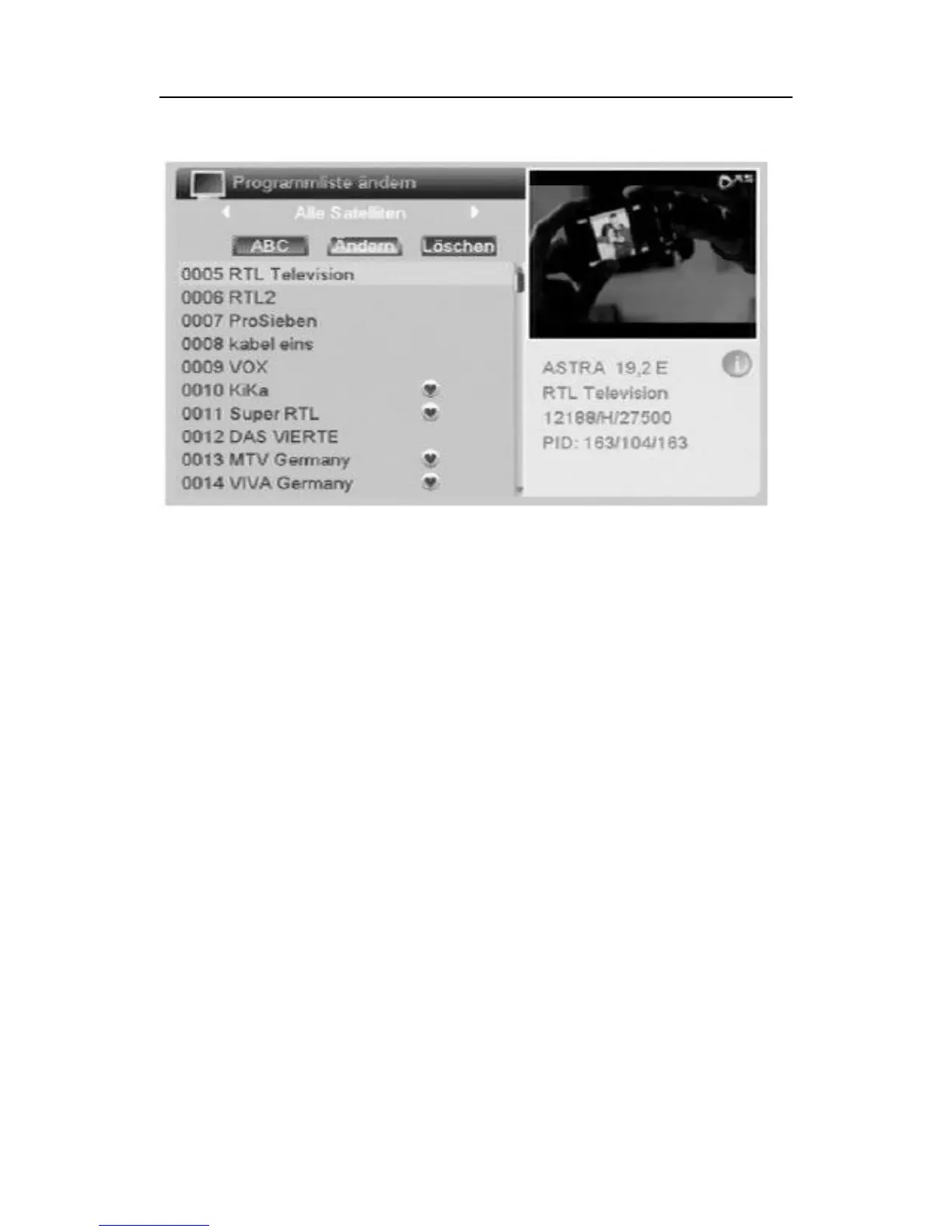
Item „ABC“: Press red function key The different filters to sort your
channel list will be displayed.
Item „edit“: Green function key. The program name of the current sta-
tion can be changed.
Item „erase“: Select the programs that you want to delete, and press
the OK button. The programs to be deleted are marked with an X.
When leaving the menu with the back button and confirm the prompt
changes of these 3 fields are performed. You return to the previous
menu.
When leaving the menu item "TV Channel List" confirm the prompt to
perform the changes. If the prompt is not confirmed, you exit the menu
without changes.
• Radio Channel list
All actions are the same as under TV Channel list
• Delete All



 To Next Page