Pilot screen
1. WiFi connection: Controller/topside connection status.
2. Trident battery level: hr:min (Switch to % in settings).
3. Water temperature in Celsius (Switch to Fahrenheit in settings).
4. Stabilization: Maintains heading and depth when no control inputs are being made. This
system is automatically deactivated at depths shallower than 0.3 meters to prevent the
motors from spinning when the vehicle is out of water.
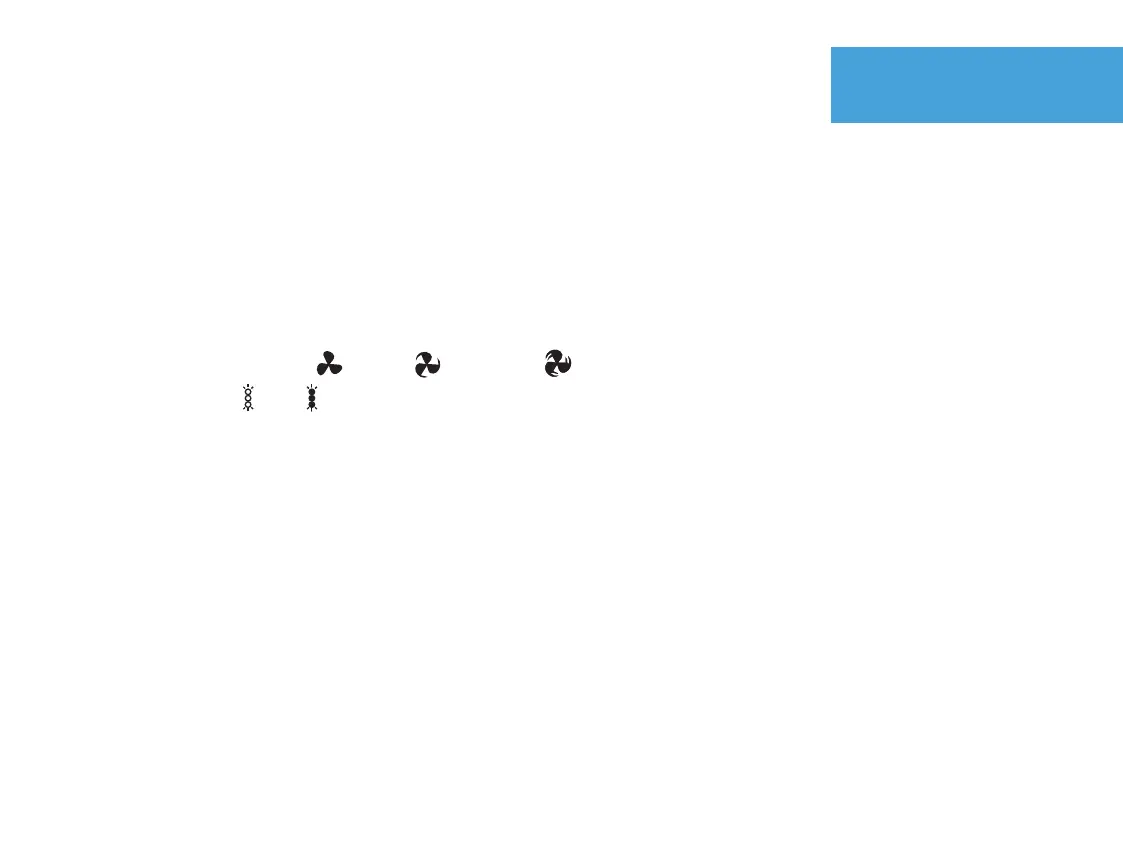
5. Motor speed: Slow Medium Fast
6. Lights: Off On
7. Vertical pitch angle
8. Compass heading
9. Depth in meters (switch to feet in settings).
10. 1080p video storage remaining on Trident while recording.
10b. Grey icon and text indicate that you are not recording 1080p video to Trident.
11. 720p video storage remaining on your device while recording.
11b. Gray icon and text indicates that you are not recording 720p video to your device.
12. Red icon indicates recording mode has been started.
12b. Clear icon indicates not currently recording.
14.


 To Next Page