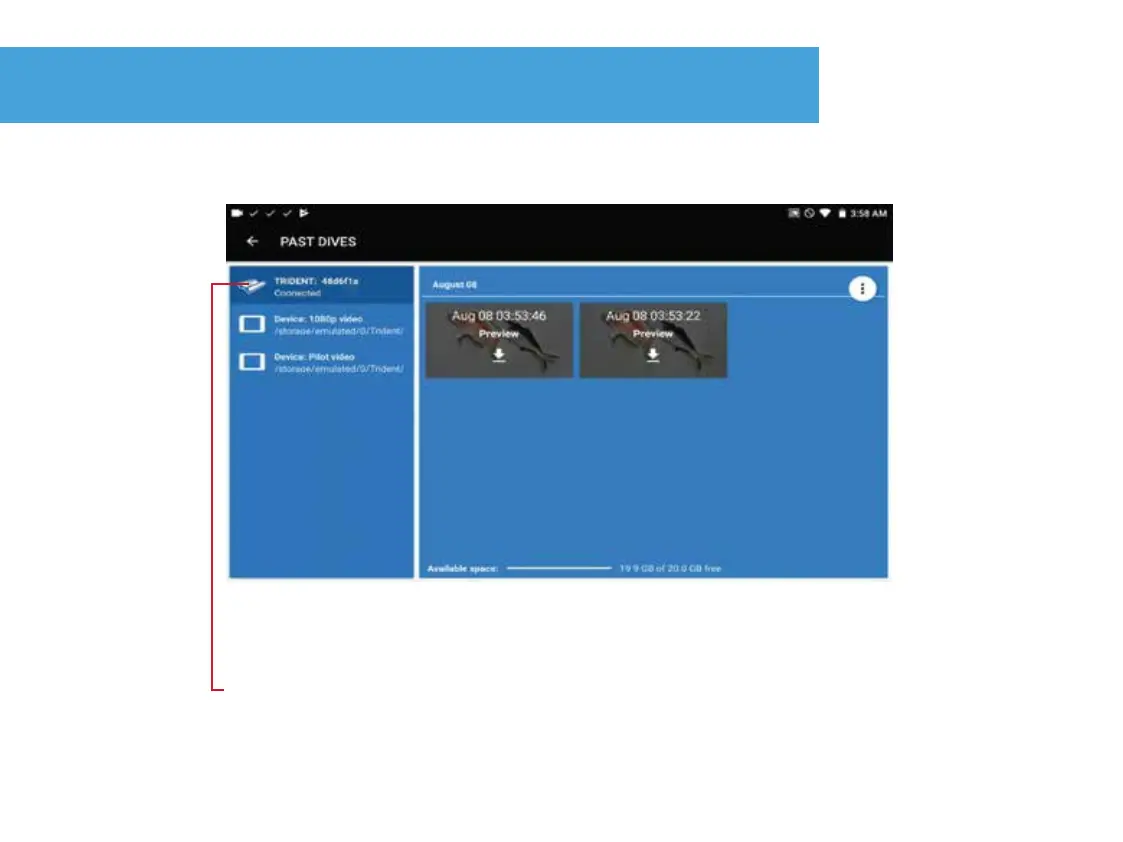
Preview recorded 1080p video on Trident
25.
1. Connect Trident to device.
2. Press “Past Dives” from OpenROV “Dashboard” screen.
3. Press the “Trident” icon.
4. To preview a 1080p recording before downloading press
anywhere on the video image.
(Download 1080p video to the device for higher quality playback)


 To Next Page