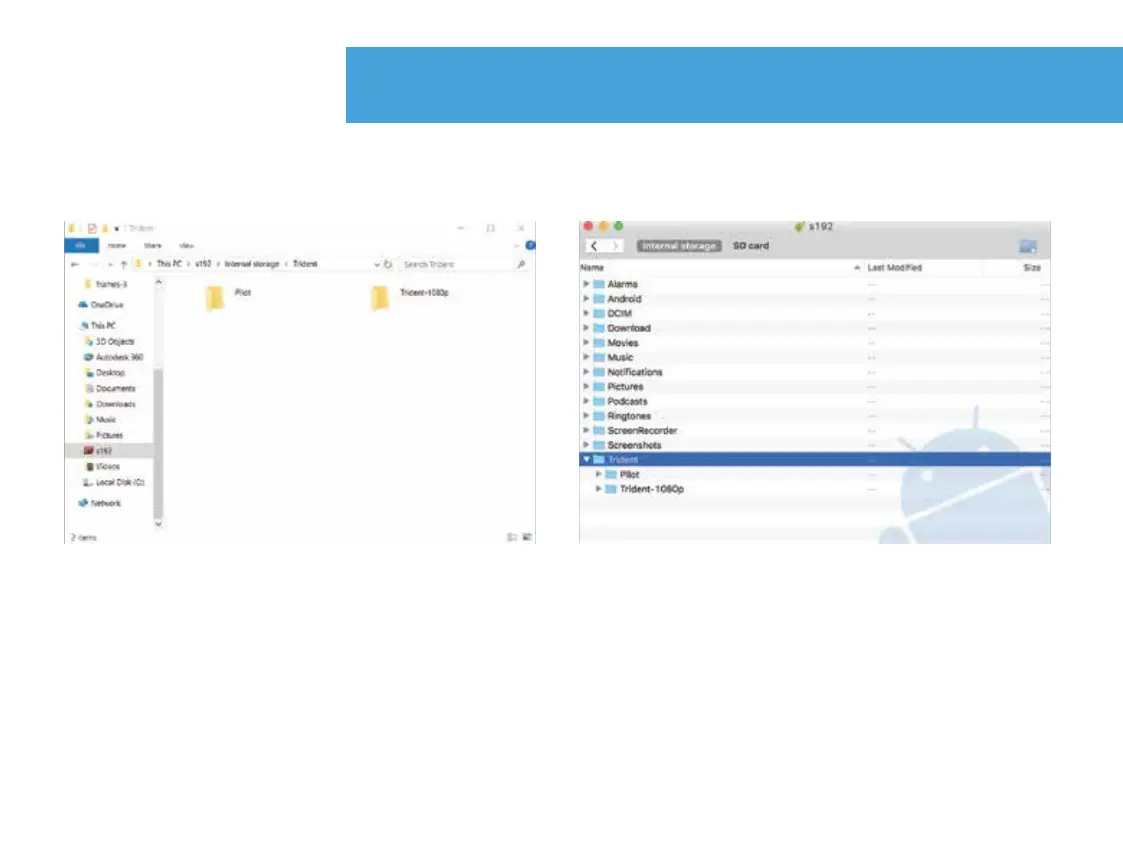
Windows Mac
1. Connect Android device via USB cable to Mac or Windows computer. For Mac
download the Android File Transfer app to your computer via the Android website.
2. Go to file explorer and drag your videos to desired storage location. Your videos will be
located in the path below unless manually changed in the directory.
720p pilot video location: “Device name”> Internal storage > Trident > Pilot
1080p video location: “Device name”> Internal storage > Trident > Trident-1080p
Export video via computer connection
30.


 To Next Page