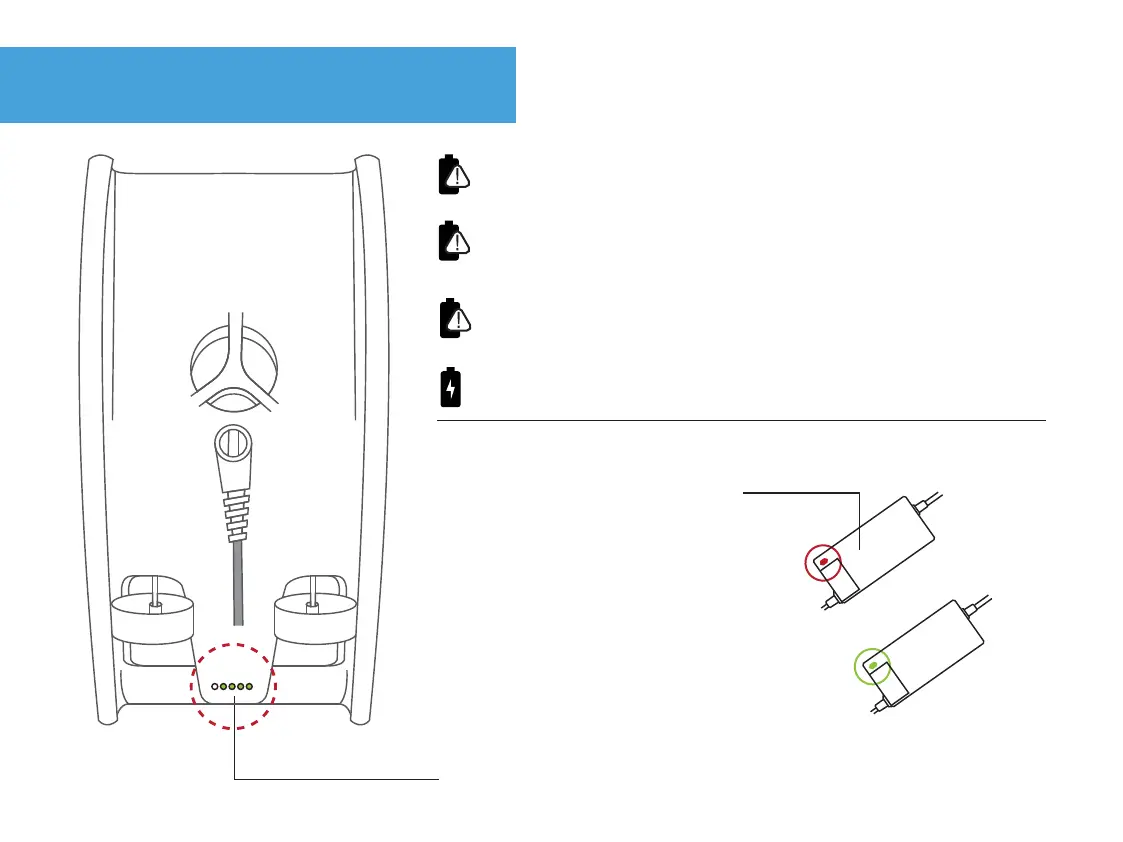
Tail board LED indicators
35.
Always disconnect the charger from Trident first, then from the
wall. Do not unplug the charger from the wall while still connected
to Trident, otherwise the battery will slowly drain.
Battery level indicators - located on the tail board.
Battery charger
If the charging connector is not tightly screwed into Trident the
battery will slowly drain.
*After about 3 hours Trident will be fully charged.
Green charger light = Trident not connected
Red charger light = Trident connected
Never run Trident until the battery dies as it is hard on the battery
and you may corrupt your video files.


 To Next Page