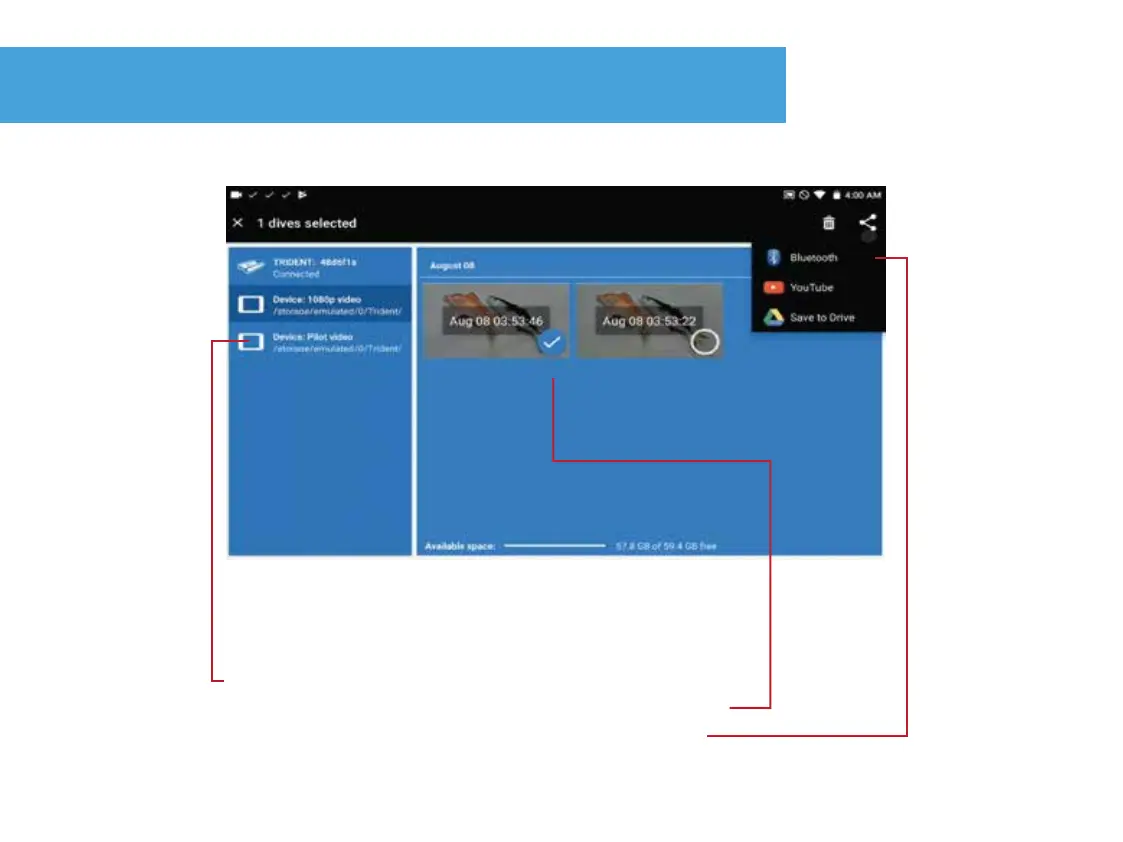
Share recorded video to cloud storage
29.
1. Press “Past Dives” from OpenROV “Dashboard”.
2. Press the “Device: 1080p video” icon.
4. Long press the video you would like to share.
5. Press the Share icon in the top right corner.
6. Share via email, Google Drive, etc.


 To Next Page