Page 12
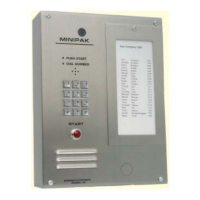
Minipak
Remote Operation Time-out:
If you call the unit to operate it remotely, you have 30
seconds until auto-termination. Any tone instruction
will restart this 30 second timer. If you find that you
need more than 30 seconds:
1. Enter "8” on your telephone’s keypad to extend
your call time to three minutes.
Remote Function Tests:
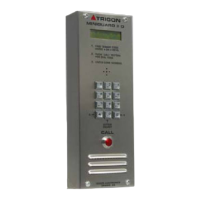
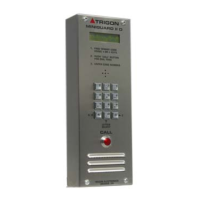
The TRIGON Minipak has the ability to run a series of
self-tests to verify its functionality.
Call the unit. When it answers choose from the
following.
1. Enter "0” for touch tone echo test.
Unit will “echo” any touch tone you send with your
phone.
2. Press " # " to escape from this test.
3. Enter "1" for memory test. (One tone = good;
two tones = bad).
4. Enter "2" for touch tone sequence. (Unit
answers by transmitting touch tones 1 through 9,
✽
, and #).
Printer Operation: (Optional)
The Minipak can support an audit log output to a remote
serial printer up to 300 feet away.
The printer must be a SERIAL type with a standard
RS232 interface connector. The settings of the printer
are:
300 Baud, 8 bits, No parity, 1 stop bit.
Serial linkage requires a minimum of three wires that
carry “DATA, COMMON, and BUSY”.
OPERATION (Continued)OPERATION (Continued)
OPERATION (Continued)OPERATION (Continued)
OPERATION (Continued)


 To Next Page