Using A Receipt Printer
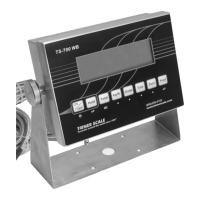
To print receipts with an optional printer:
- With power off, attach the printer cable to
the connector socket on the underside of
the indicator.
- Power on the printer & indicator.
- Place weight on the scale and press the
Print key.
- If receipt does not print, settings may
need to be adjusted in parameters C18 &
C19.
- To adjust the format of how the date
prints, see options in parameter C30.
IMPORTANT NOTE: TS-700 series indicators
cannot be programmed for adhesive label printing.


 To Next Page
 Loading...
