XPERT-PRO – Operational Manual
TRINITY
[12]
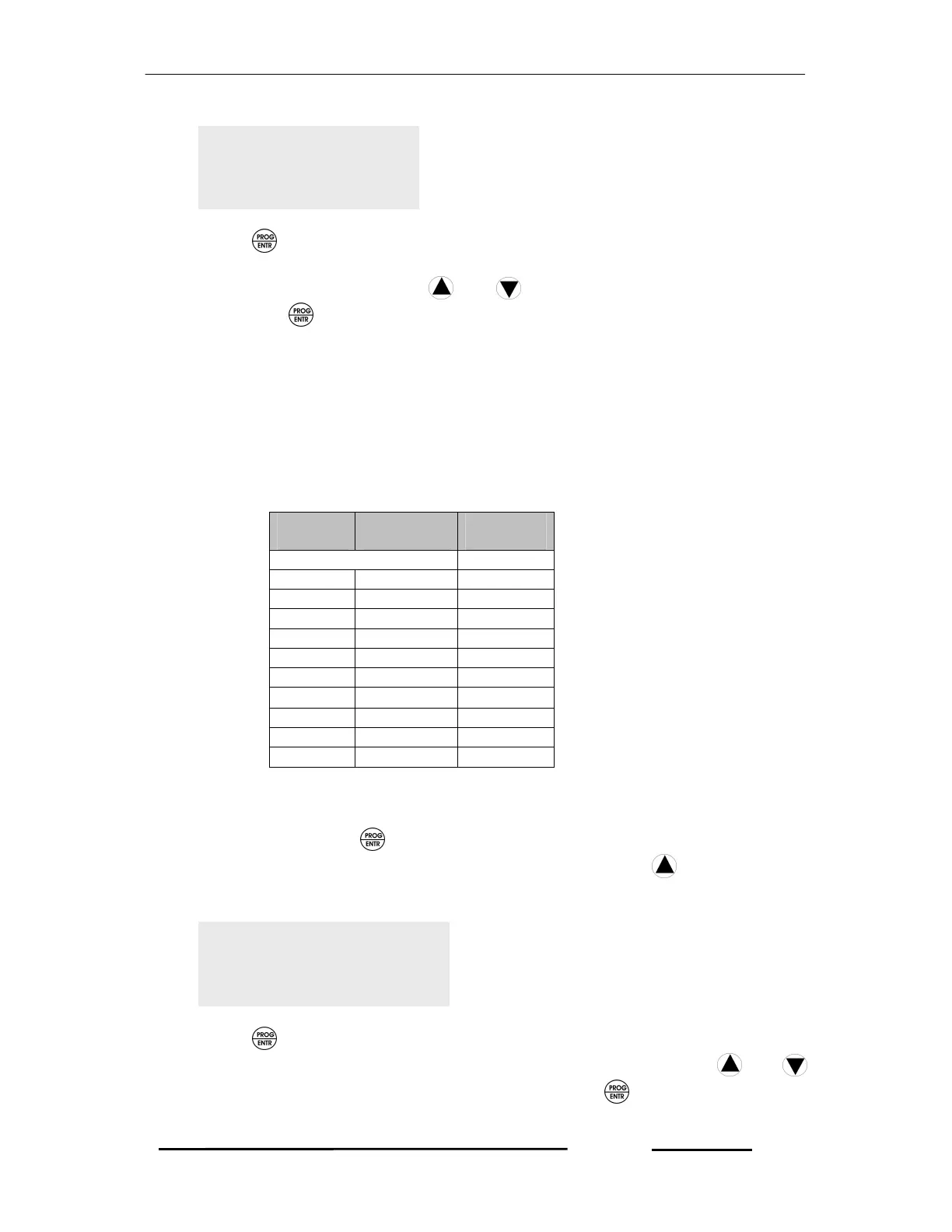
2. Press key again. Immediately ‘P’ starts blinking which shows that the
parameter can now be selected. Select the Installation Type to either 3P4W or
3P3W or 1P2W by pressing and keys according to your desire and
then press key so as to save the parameter. However, the unit will reset
and return into Run Mode.
3. In case, your setting is incomplete, precede as above step 1 and 2.
Selecting PT Gain
The PT Gain is the ratio of PT Primary and PT Secondary which is also selectable at
site. The PT Gain should be selected so as to give the actual voltage in your PT
operated meter with the following table.
Primary
Secondary
(PT Ratio)
No multiply factor 1
3300 110 30
6600 110 60
11000 110 100
22000 110 200
33000 110 300
66000 110 600
132000 110 1200
415 110 3.7727
440 110 4.0000
690 110 6.2727
To select the PT Gain, precede the following instruction
1. In Run Mode, press key for about five seconds and then the unit displays
the first programmable parameter, DEMAND ON. Press keys to retrieve
the programmable parameter, PT GAIN such as shown below.
2. Press key again. Immediately ‘P’ starts blinking which shows that the
parameter can now be selected. Select the PT GAIN by pressing and
keys according to your desire and then press key so to save the
parameter. However, the unit will reset and return into Run Mode.
PT GAIN
1200
INST.
3P4W



 To Next Page