XPERT-PRO – Operational Manual
TRINITY
[17]
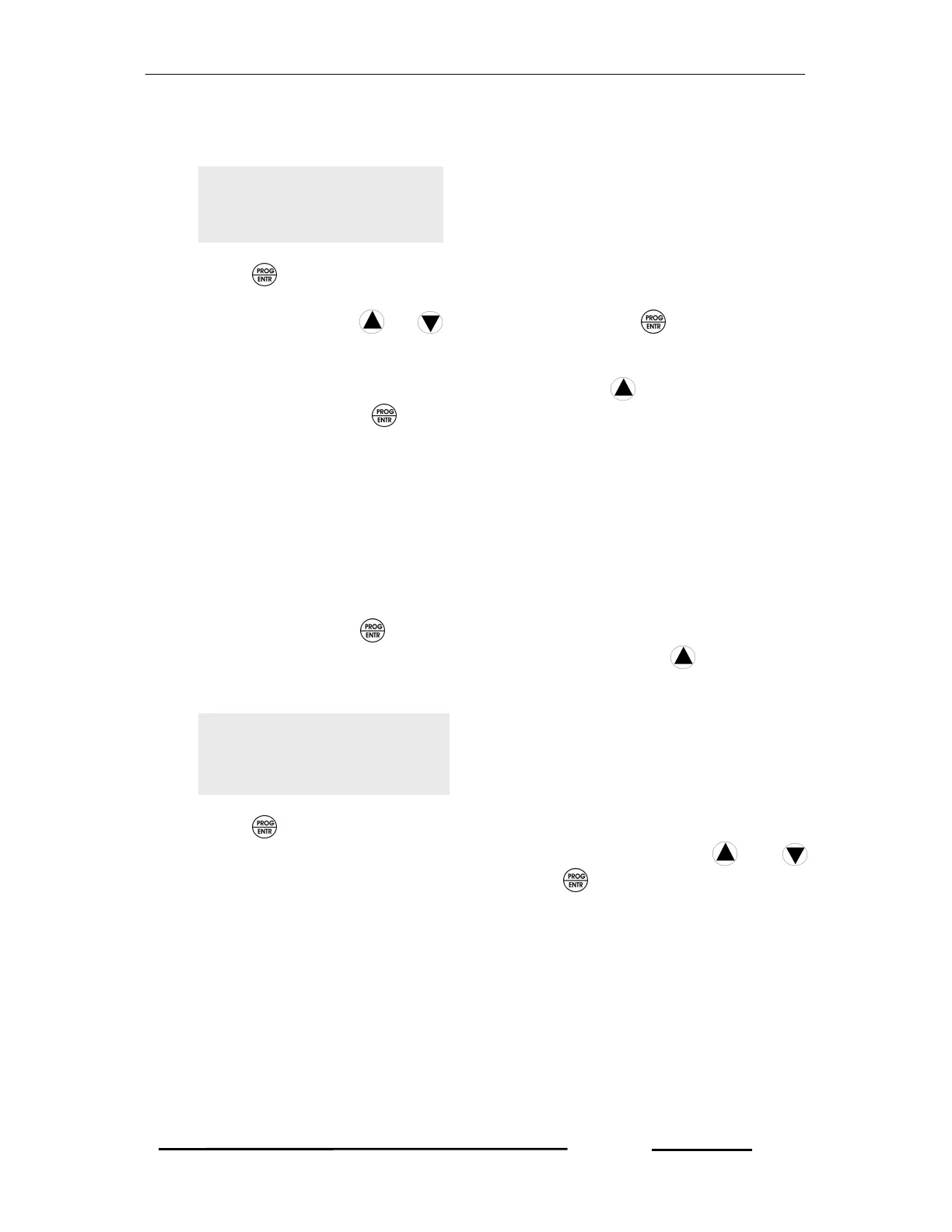
to retrieve the programmable parameter, AUTOSCROLL SECOND such as
shown below.
2. Press key again. Immediately ‘P’ starts blinking which shows that the
parameter can now be set. Set the SCROLL SECOND according to your
desire by pressing or keys and then press key to save the
parameter.
3. To retrieve to the next desired parameters, press key so as to set as
before. Or else, press key for about five seconds to return into Run Mode.
Setting Time to Run Hour and Load Run Hour
The unit supports two types of times: (i) Run Hour (ii) Load Run Hour. User should
select one of these options. Run Hour is the time to be counted since the unit
receives power. Load Run Hour is the time to be counted since the Load receives
energy.
To set this time, follow the instructions below:
1. In Run Mode, press key for about five seconds and then the unit displays
the first programmable parameter, DEMAND ON. Press keys several
times to retrieve the programmable parameter, Time such as shown below.
2. Press key again. Immediately ‘P’ starts blinking which shows that the
parameter can now be selected. Select the TIME by pressing and
keys according to your desire and then press key to save the parameter.
However, the unit will reset and return into Run Mode.
3. In case, your setting is incomplete, precede as above steps 1 and 2.
Resetting Energy
The three energies such as KWh, KVAh and KVARh for both EB and DG can be
reset. In case, RESET ENERGY is set to YES, for all the values of energies in Run
Mode will be reset to zeroes.
To select the RESET ENERGY, precede the following instruction.
SCOROLL SEC
12
TIME
LoadRunhr



 To Next Page